
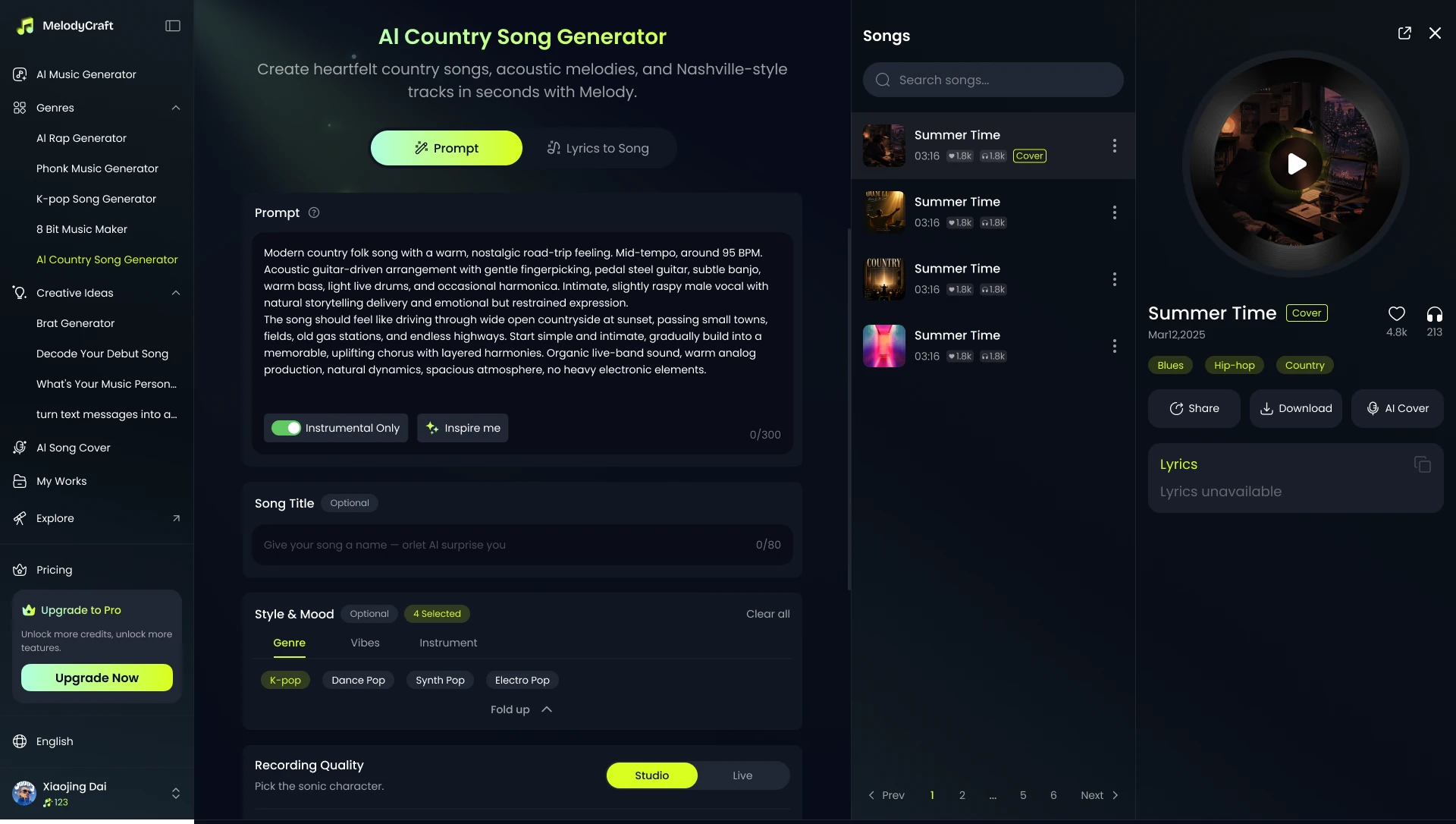

Step 1. Describe Your Country Idea
Enter a prompt, theme, or song concept, such as a road trip anthem, a cowboy love song, or a heartfelt acoustic ballad.
Enter a prompt, theme, or song concept, such as a road trip anthem, a cowboy love song, or a heartfelt acoustic ballad.
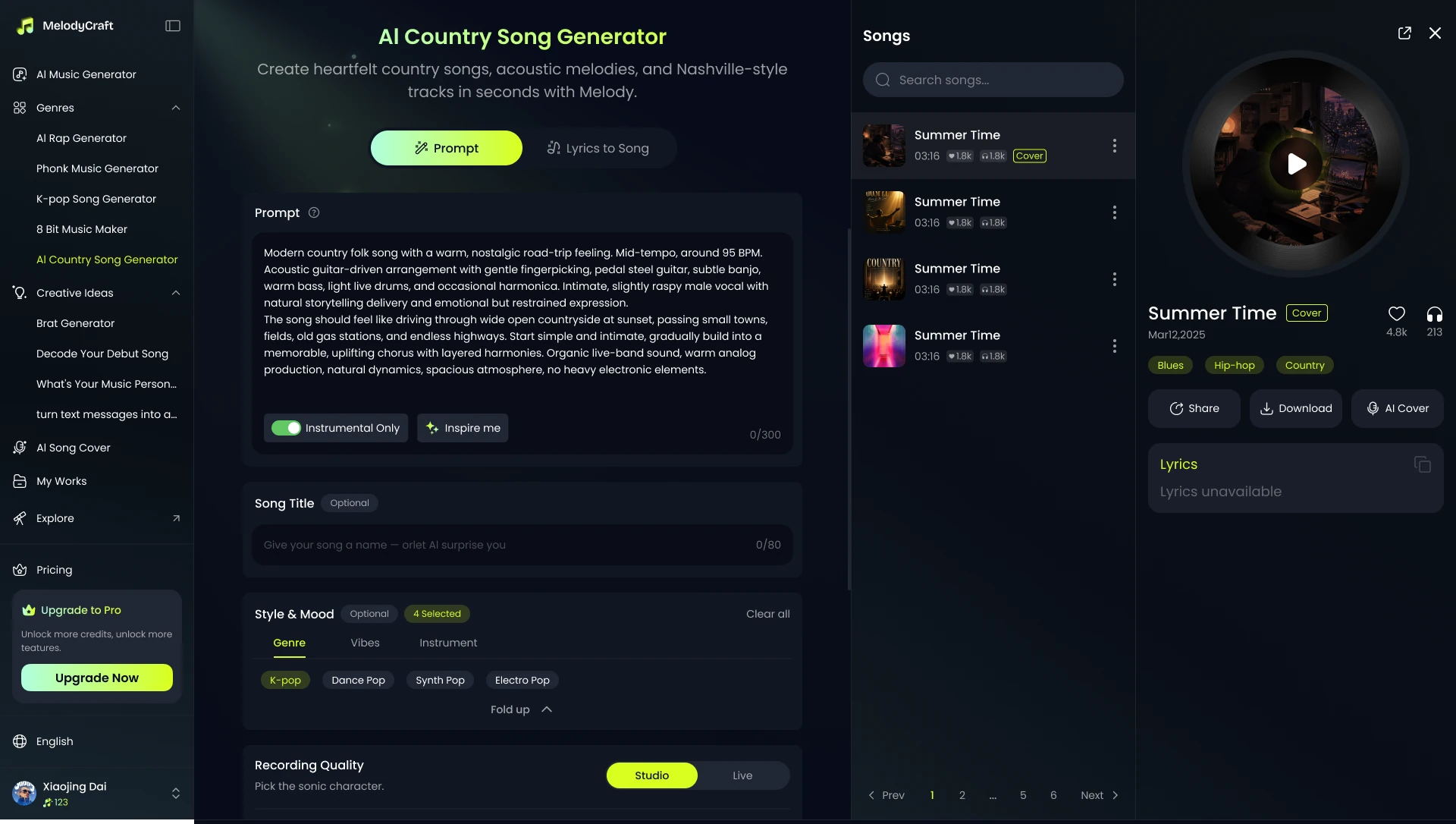

Choose the mood, vocal feel, and instrument direction to shape your song into the country sound you want.
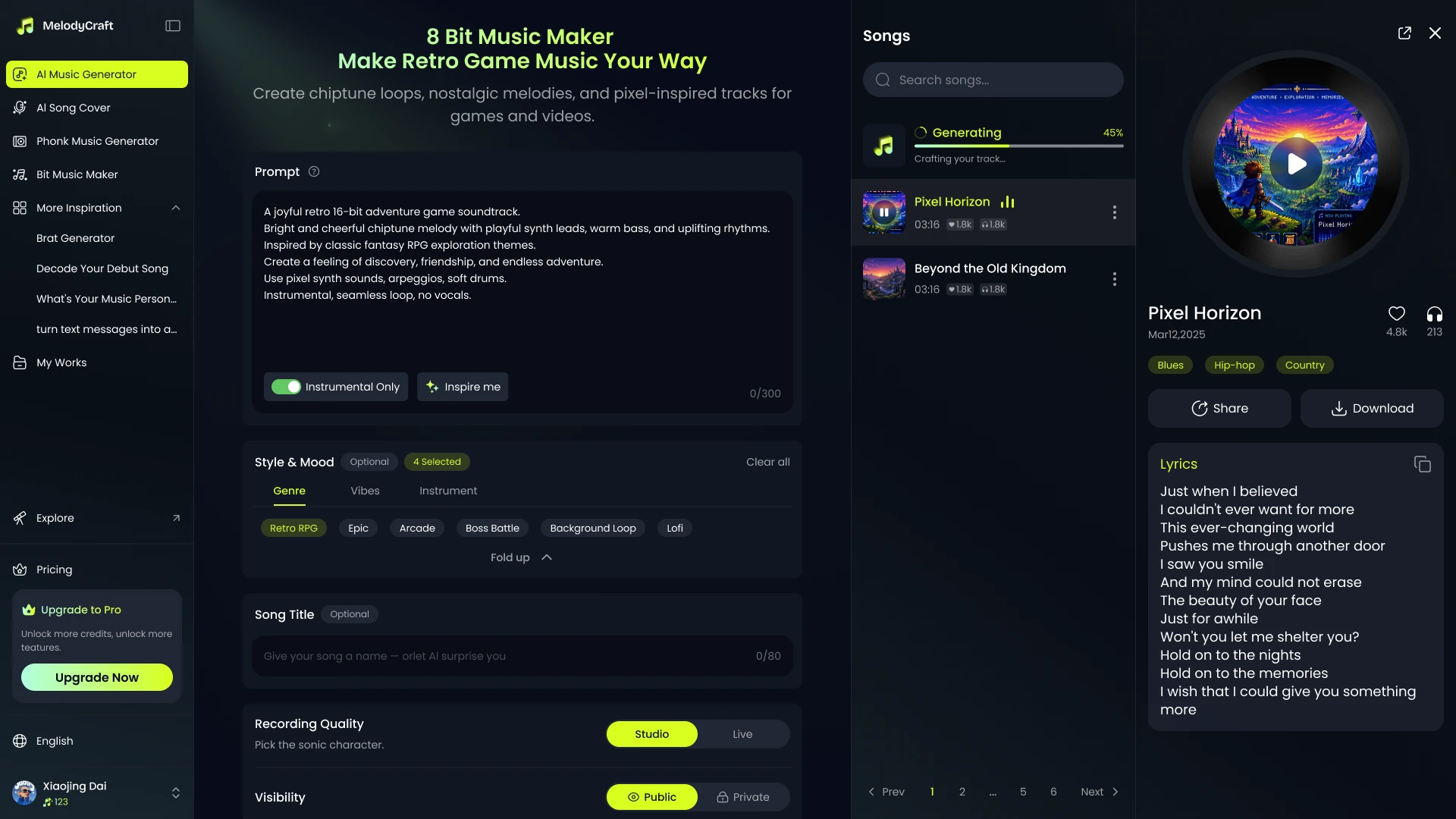

Create your track instantly, preview the result, and keep iterating until it matches your scene or story.
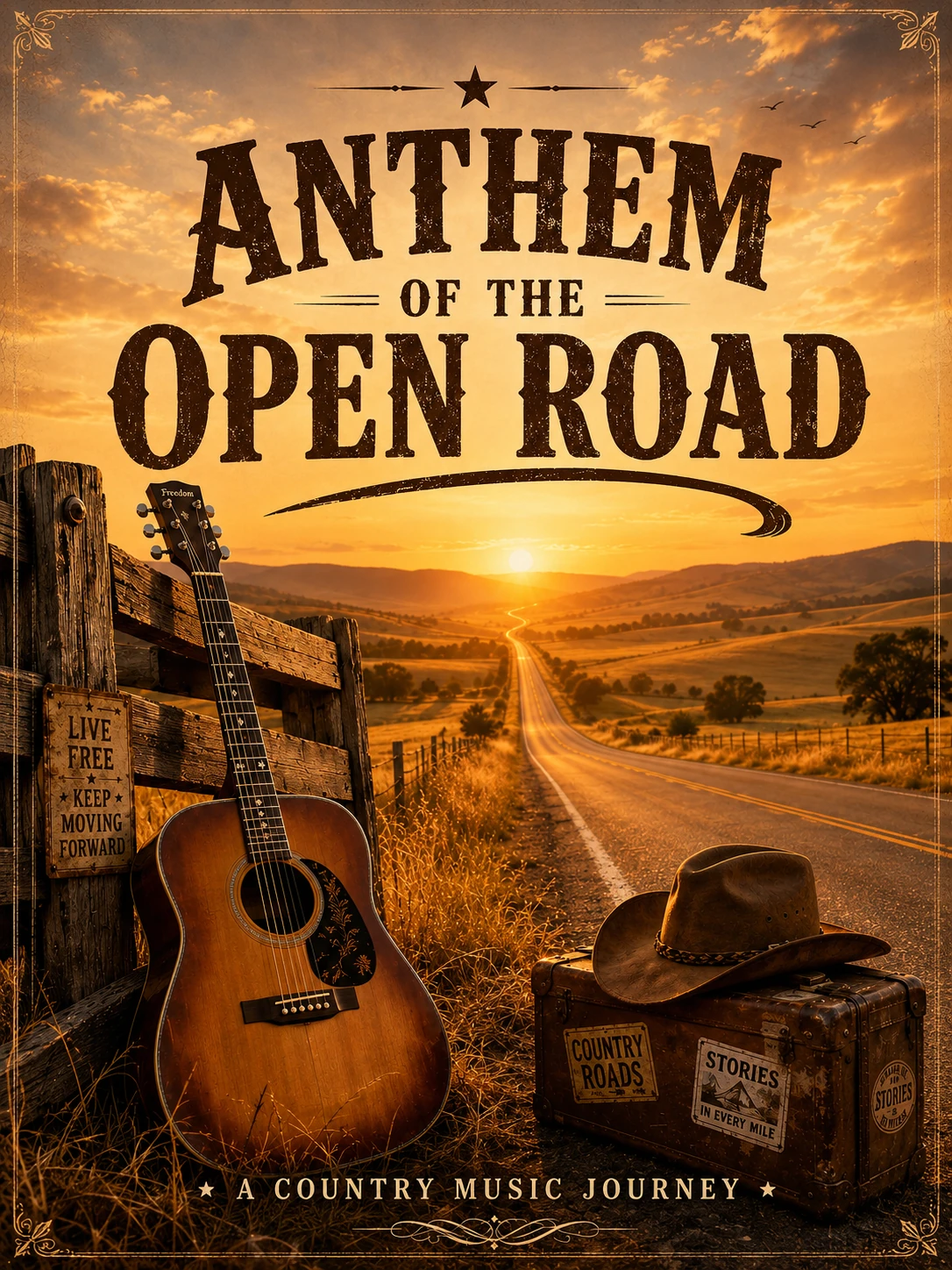

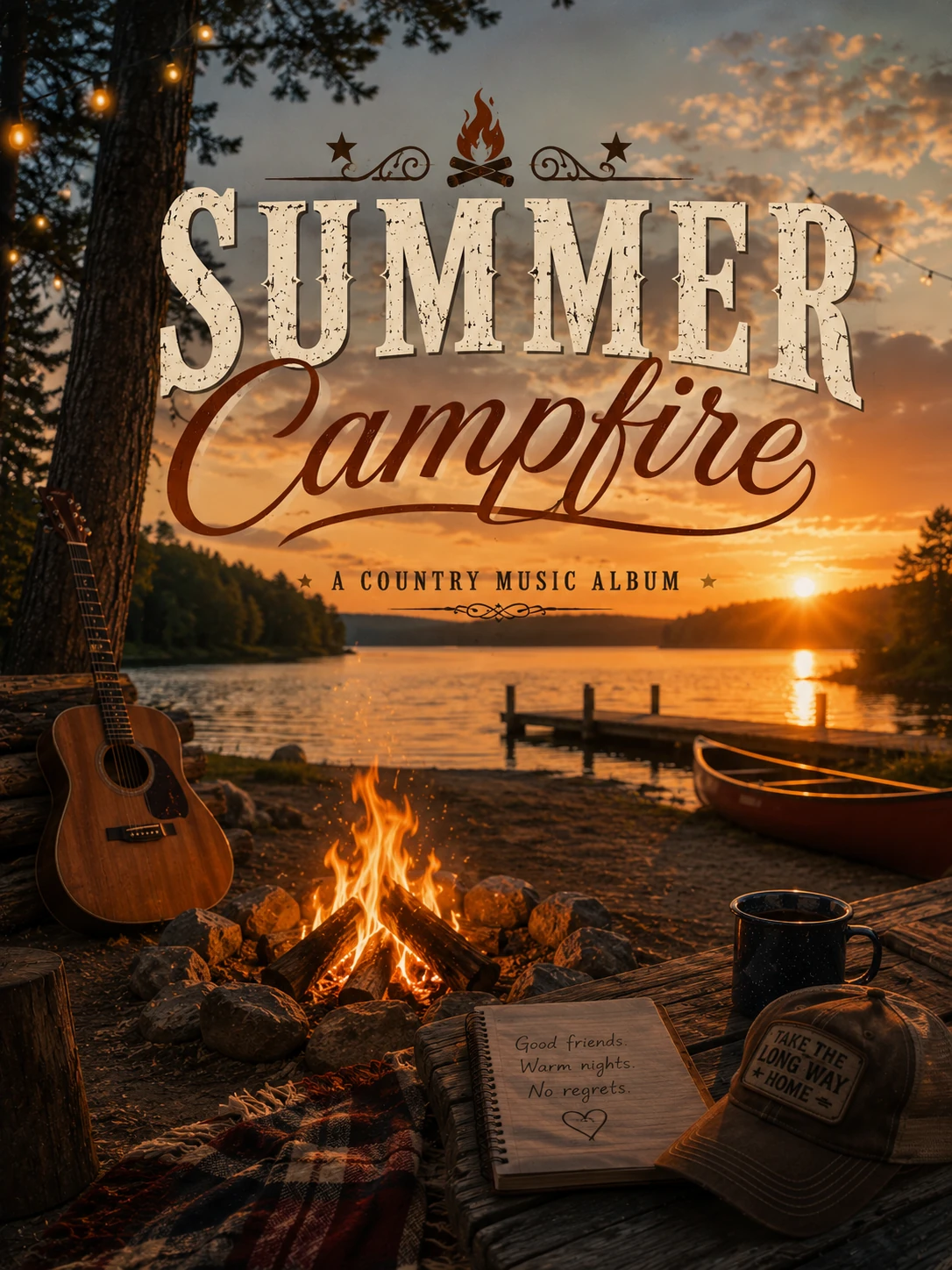
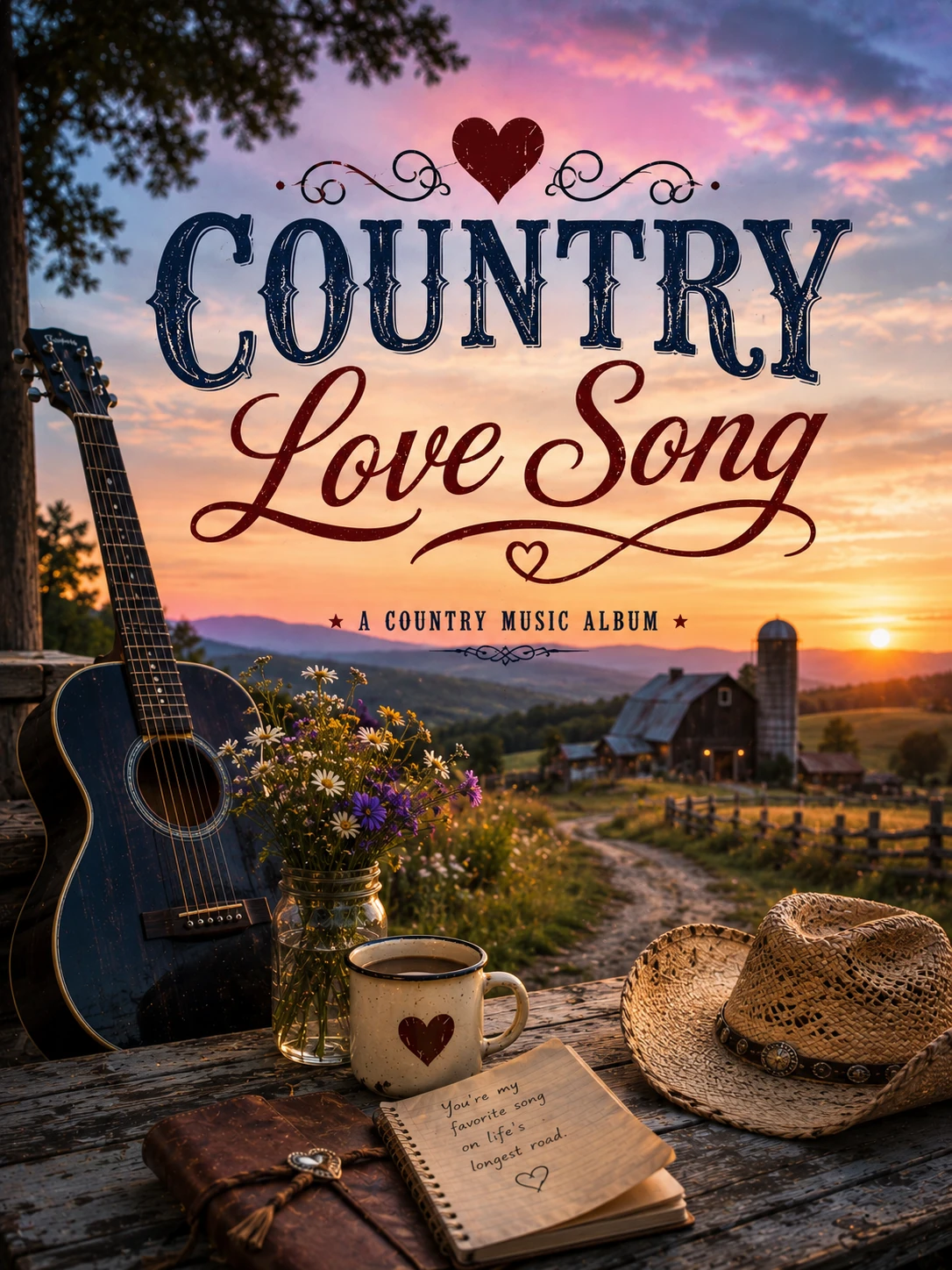
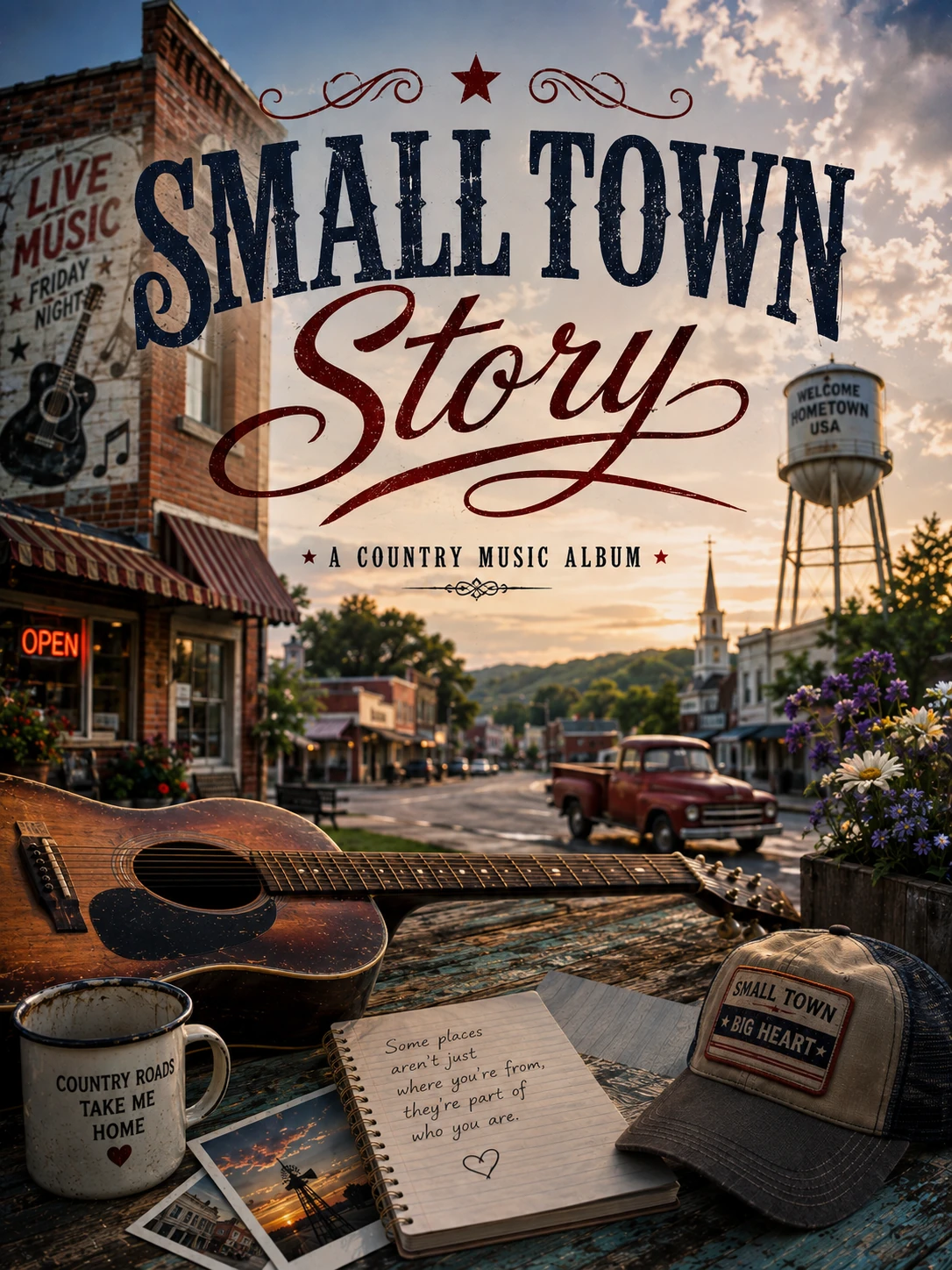

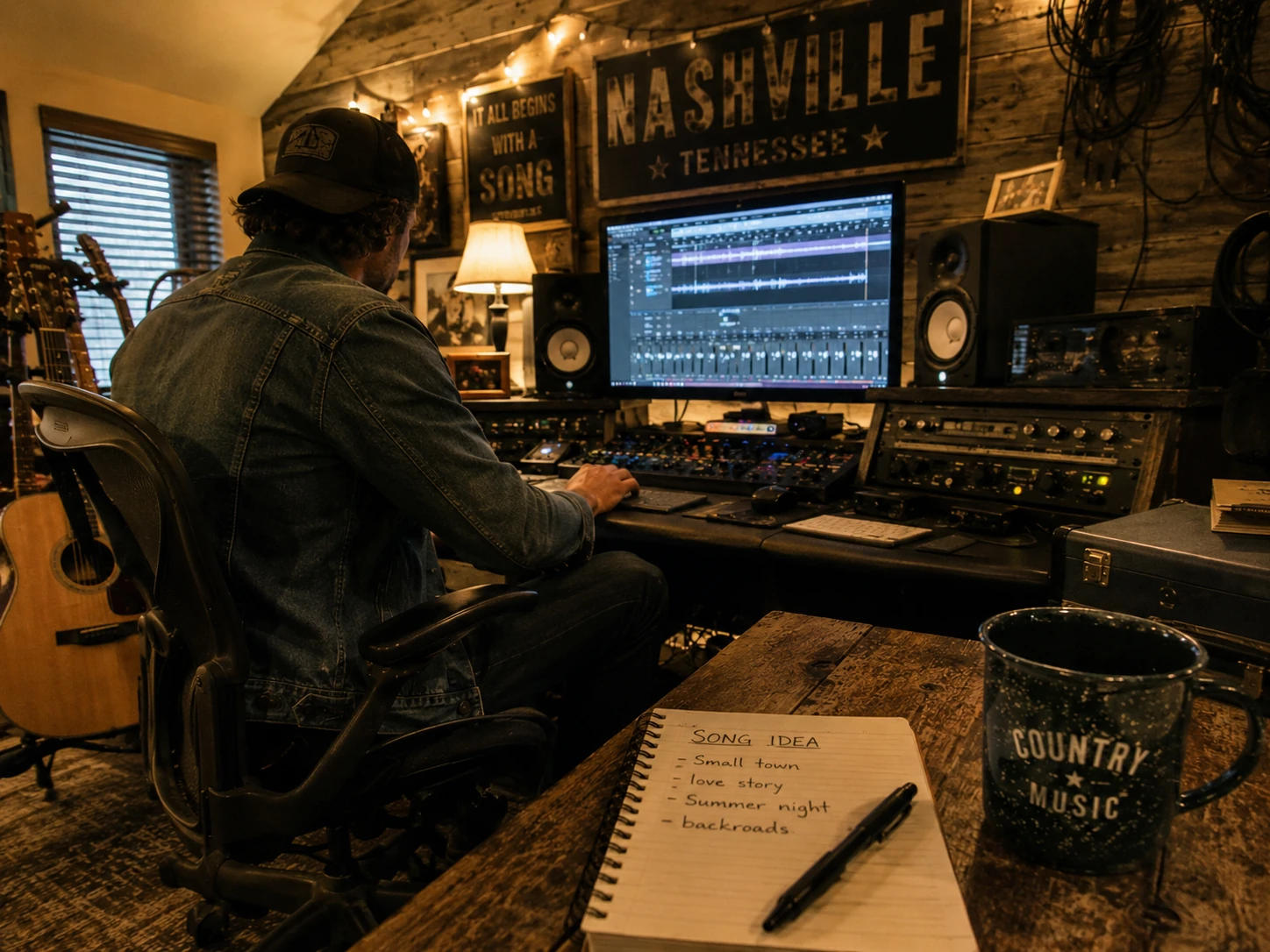
Quickly turn ideas into country-style demos for melody testing, chorus writing, or song structure inspiration.
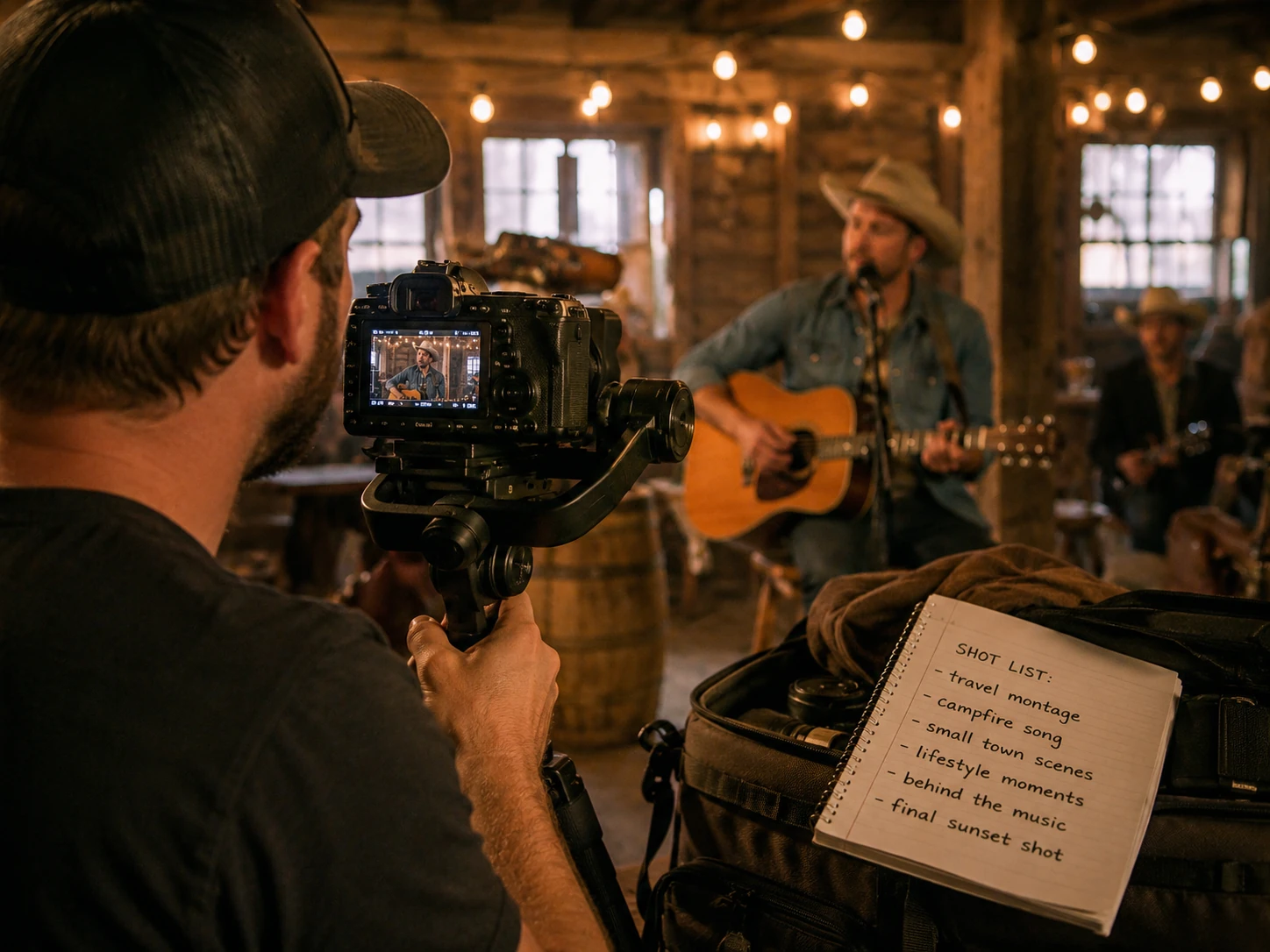
Add warm, acoustic country music to travel videos, storytelling content, lifestyle clips, or short films.

Make fun country songs for friends, events, parody ideas, or personal music experiments without music production skills.
An AI country song generator is a tool that helps you create country-style music from a prompt, lyrics, or a simple idea. With Melody, you can generate acoustic country songs, Nashville-inspired tracks, emotional ballads, or instrumental background music in just a few clicks.
You can start by entering a prompt or pasting your own lyrics, then choose the mood, vocal style, and instrument direction you want. Melody will turn your idea into a country-style song, so you can quickly preview, refine, and regenerate until it feels right.
You can create many different styles of country music, including country love songs, heartbreak ballads, acoustic folk-country tracks, upbeat Nashville pop, road trip anthems, and instrumental country background music.
Yes. If you already have lyrics, you can use the Lyrics to Song mode to turn them into a complete country-style track. This is useful for demos, songwriting experiments, or testing different vocal and mood directions.
Yes. You can enable Instrumental Only if you want a country-style backing track without vocals. This works well for videos, storytelling content, travel edits, background music, or creative inspiration.
You can guide the sound with country-inspired instrument choices such as acoustic guitar, banjo, fiddle, steel guitar, harmonica, and soft drums. These help shape the track into a warmer, more recognizable country sound.
No. Melody is designed for both beginners and creators with experience. You do not need to understand music theory or production tools to start making country songs with AI.
In many cases, yes, but it depends on your plan and usage rights. Melody can be used for demos, personal projects, and content creation, but you should always check the latest licensing and commercial-use rules before publishing or monetizing your output.
It usually only takes a short time to generate a first version. You can then keep refining the prompt, lyrics, mood, or instrument direction to get closer to the country sound you want.
Prompt mode is best when you only have an idea, mood, or scene in mind. Lyrics to Song mode is better when you already have written lyrics and want Melody to turn them into a finished country-style song.