MelodyCraftMelodyCraft
Get it on Google PlayDownload on the App Store
MelodyCraftMelodyCraft
Get it on Google PlayDownload on the App Store

도구

AI 음악 생성기AI Song CoverAI 랩 생성기AI 노래 제작기

리소스

블로그크리에이터 프로그램

영감

데뷔 스크립트 해독브랫 생성기음악 성격 테스트문자 메시지를 노래로

정보

MelodyCraft 앱서비스 약관개인정보 보호정책문의하기
©2026 MelodyCraft

Explore AI Cover Showcase

Michael Jackson

Donald Trump

Spongebob Squarepants

PS

Patrick Star

Taylor Swift

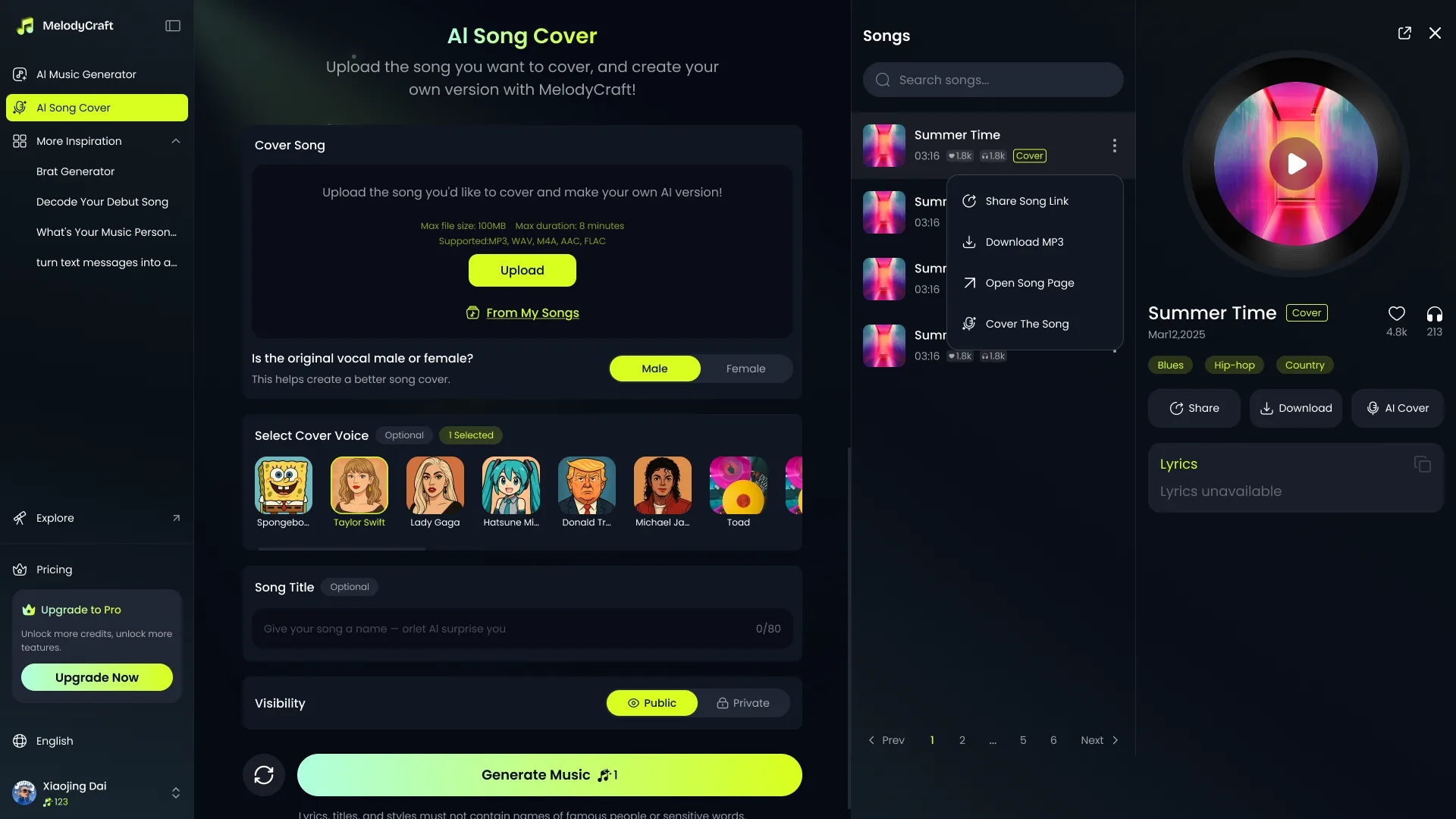
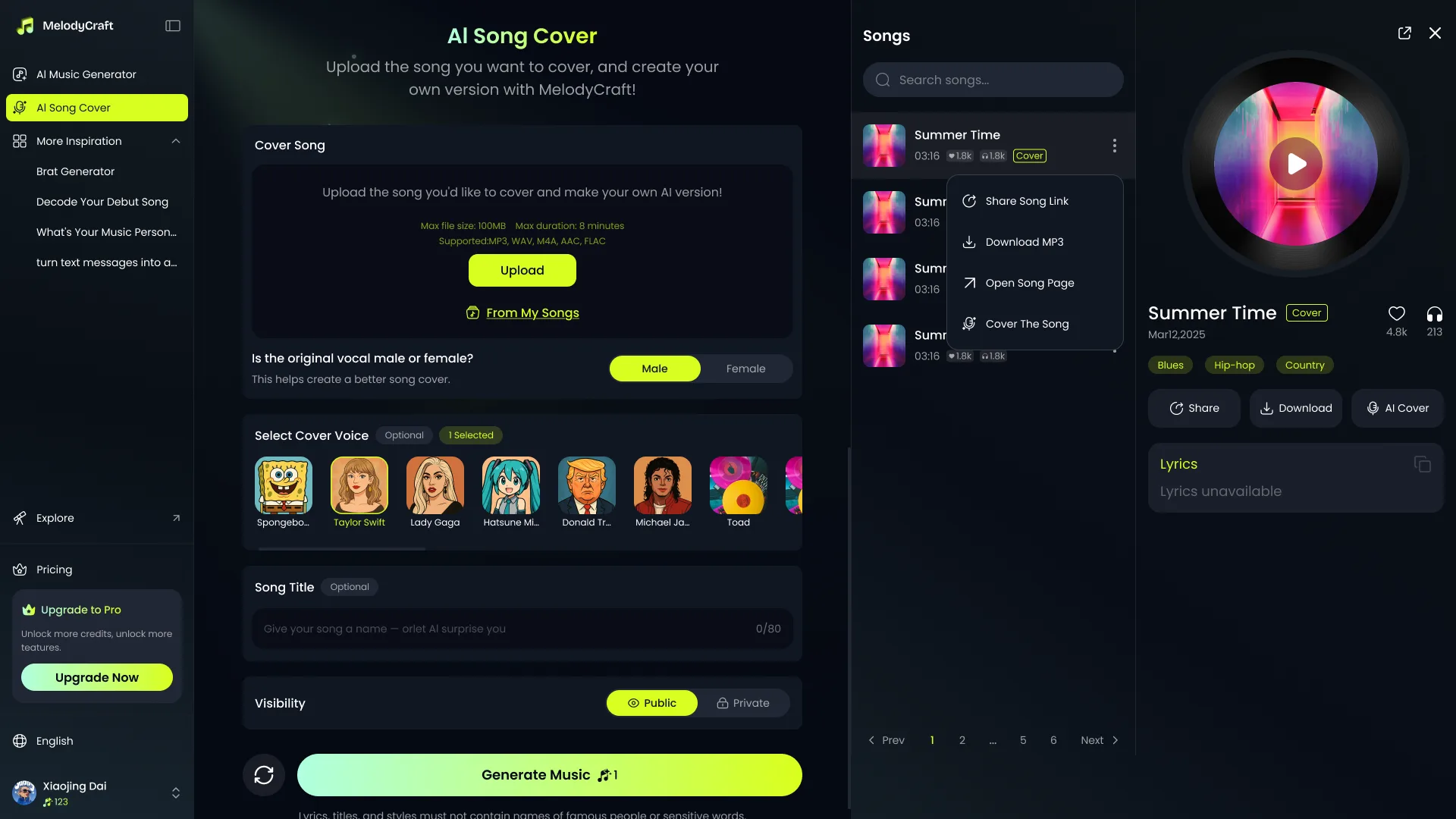
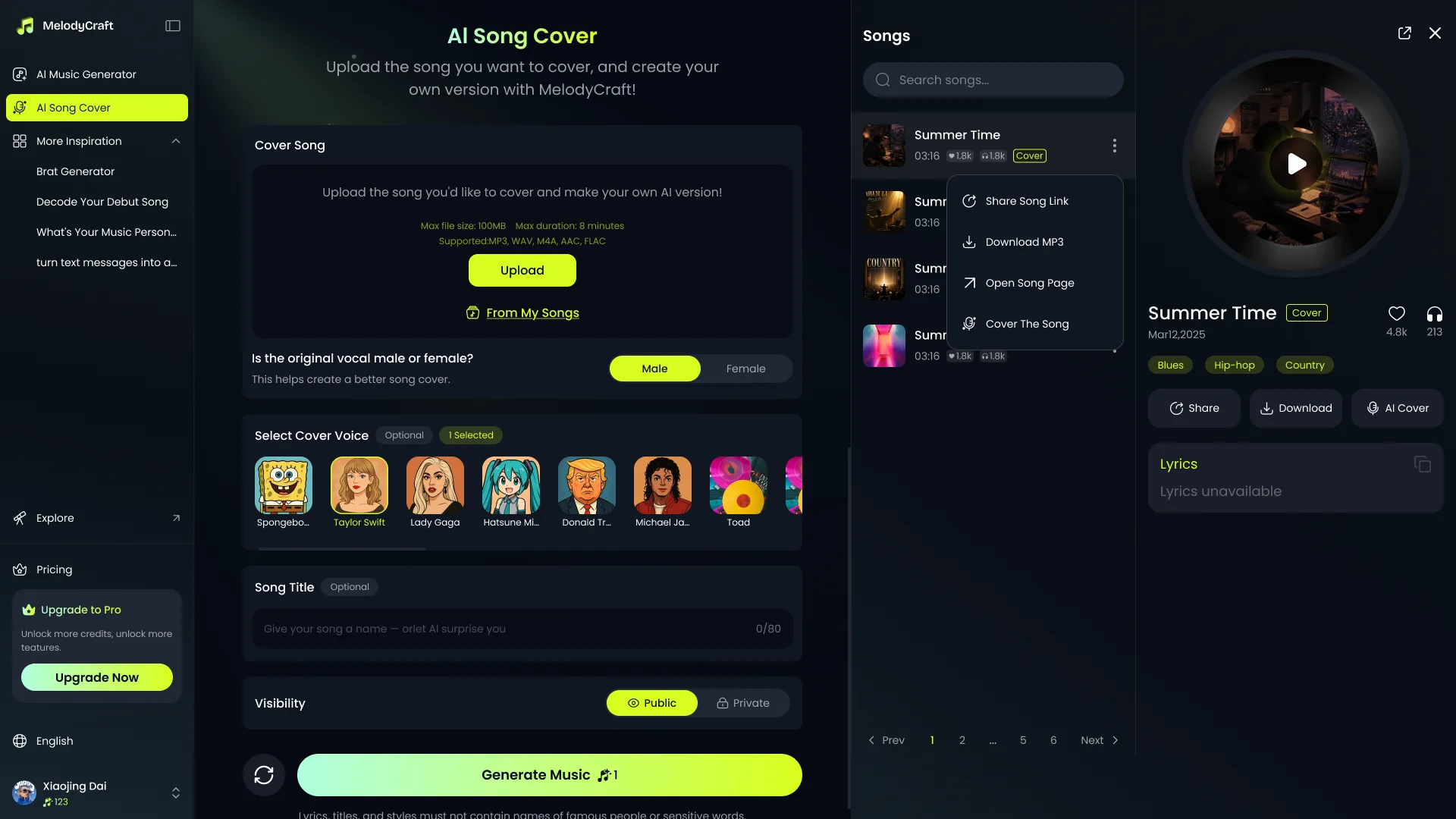
MelodyCraft lets you make AI song covers with public voice models or your own custom voice. Pick a voice, upload your song, and generate a new cover in minutes.

How to Make an AI Cover

Upload your song

Upload the song you want to re-sing, such as a favorite track, demo, or vocal clip. Clear vocals usually create better AI covers.

Choose an AI voice

Select a public voice model or use your own trained voice to create the cover.

Create Your AI Cover

Set the original vocal gender, start generation, then listen, download, or share your AI cover song.

How to Make an AI Cover

01.Upload your song

Upload the song you want to re-sing, such as a favorite track, demo, or vocal clip. Clear vocals usually create better AI covers.

02.Choose an AI voice

Select a public voice model or use your own trained voice to create the cover.

03.Create Your AI Cover

Set the original vocal gender, start generation, then listen, download, or share your AI cover song.

FAQ About AI Cover Generator

An AI cover is a new version of a song re-sung with a different voice. You upload a song, choose an AI voice model, and MelodyCraft generates a new vocal version while keeping the original song structure.

Upload the song you want to re-sing, choose an AI voice, select the original vocal gender, and start generating. For better results, use audio with clear vocals and minimal background noise.

Songs with clear vocals, steady volume, and less background noise usually work best. If the audio has heavy reverb, obvious noise, or vocals buried under the instrumental, the result may sound less natural.

The original vocal gender helps the system adjust pitch more accurately. Choosing the right option can reduce unnatural pitch shifts and make the AI cover sound smoother.

MelodyCraft supports MP3, WAV, M4A, AAC, and FLAC. MP3 is recommended because it uploads faster and works well for most AI cover tasks.

We recommend uploading audio under 8 minutes and keeping the file size under 100MB. Shorter and cleaner audio usually generates faster and produces more stable results.

Yes. You can preview available public voice models before choosing one for your AI cover, so you can pick a voice that fits the song.

Yes. After the AI cover is generated, you can listen to the result and download the audio if this feature is available in your account.

Commercial use depends on the rights of the original song, the selected voice model, and the laws in your region. Make sure you have the necessary permissions before publishing, monetizing, or distributing AI cover songs.