
Loading...
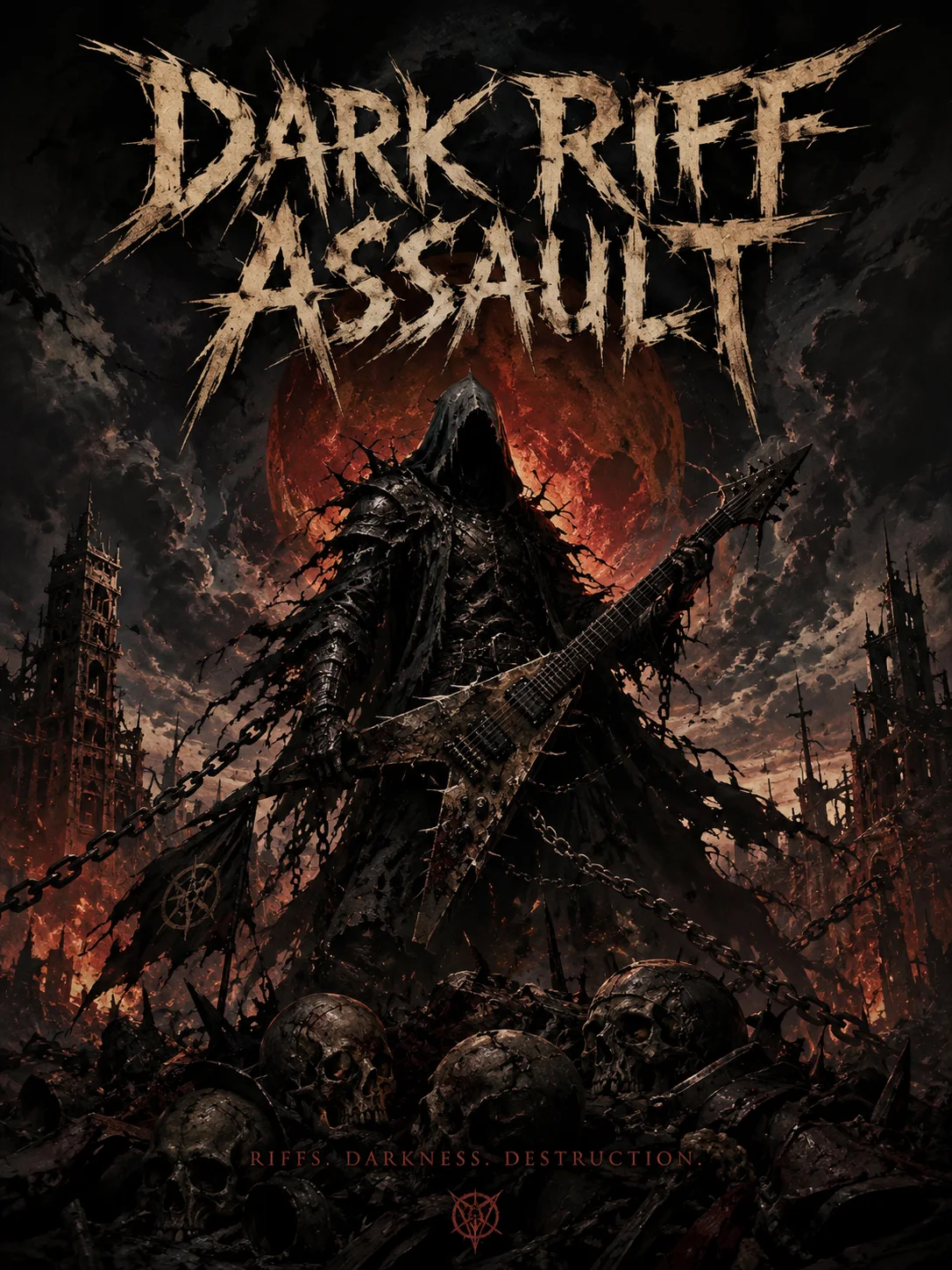
From crushing breakdowns to dark melodic riffs, preview the kind of heavy metal tracks you can create with Melody.
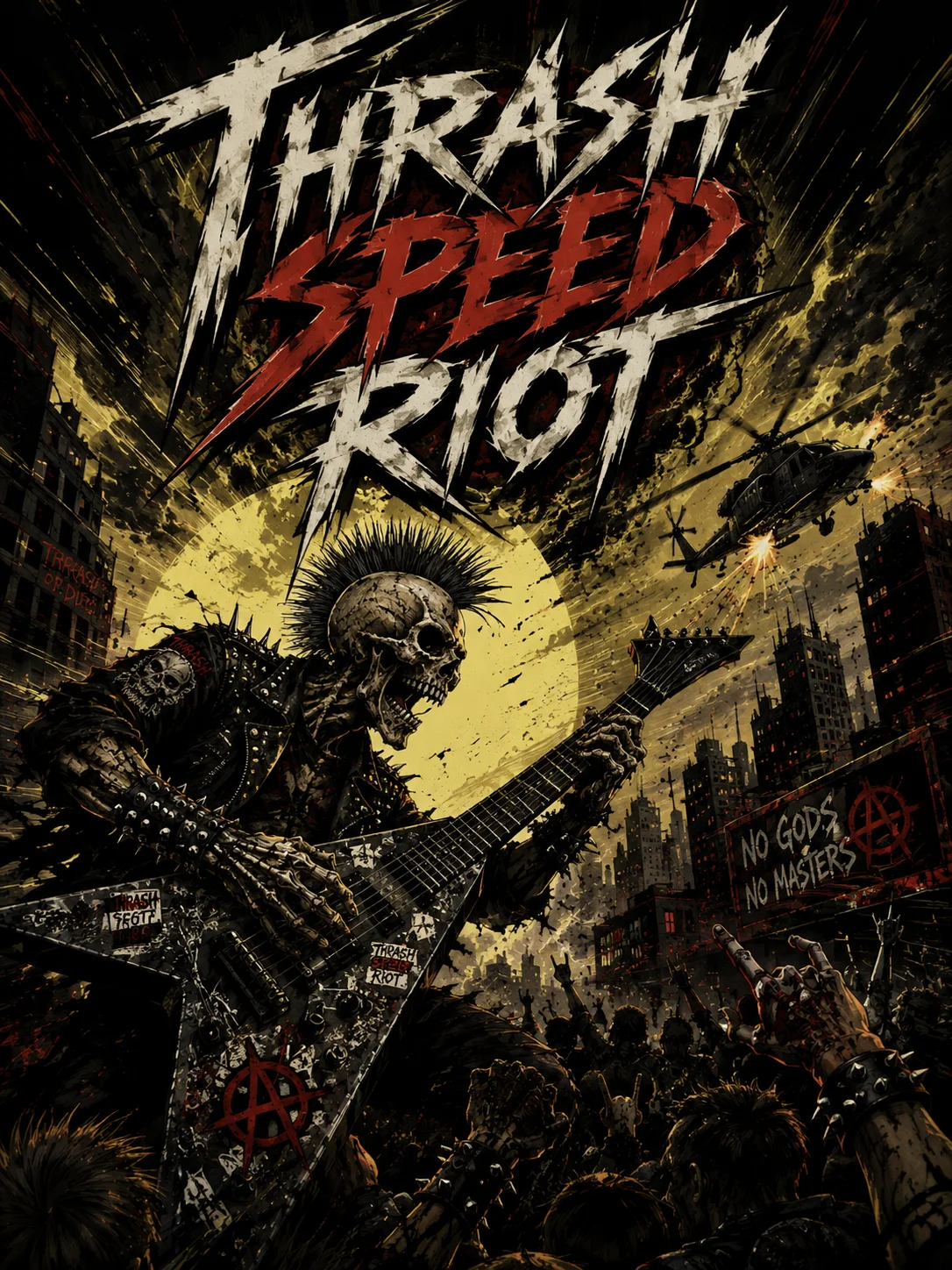
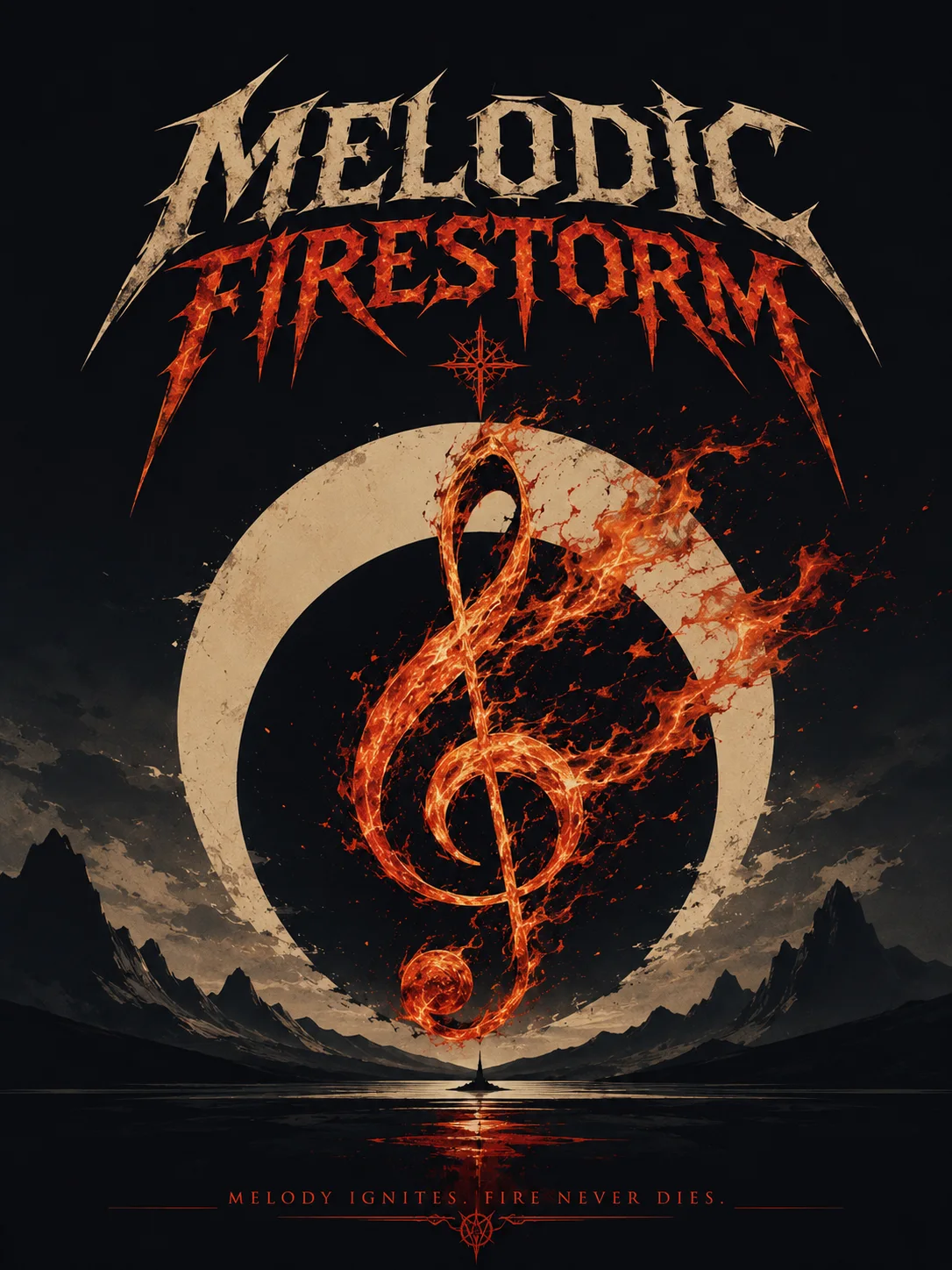
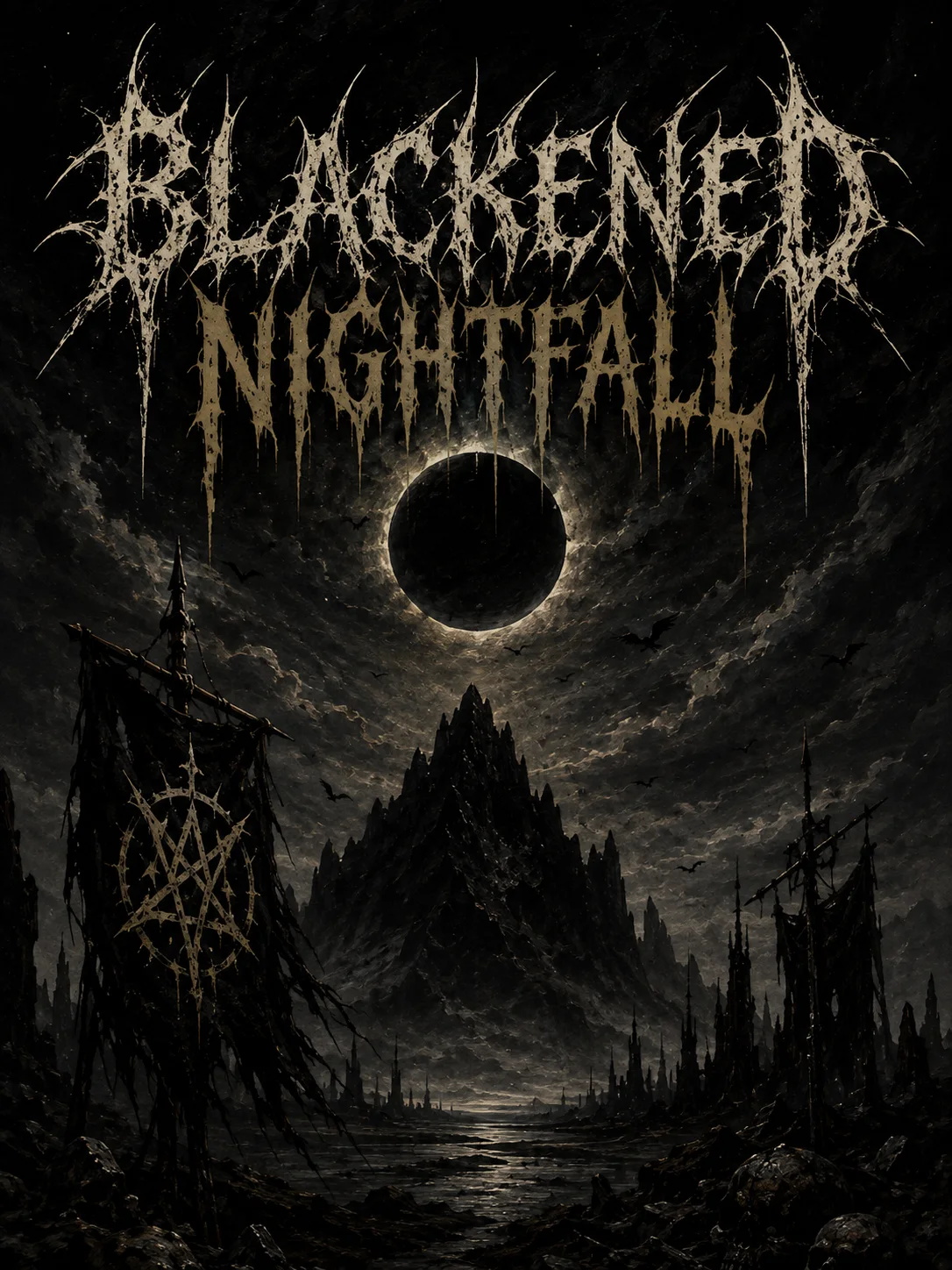
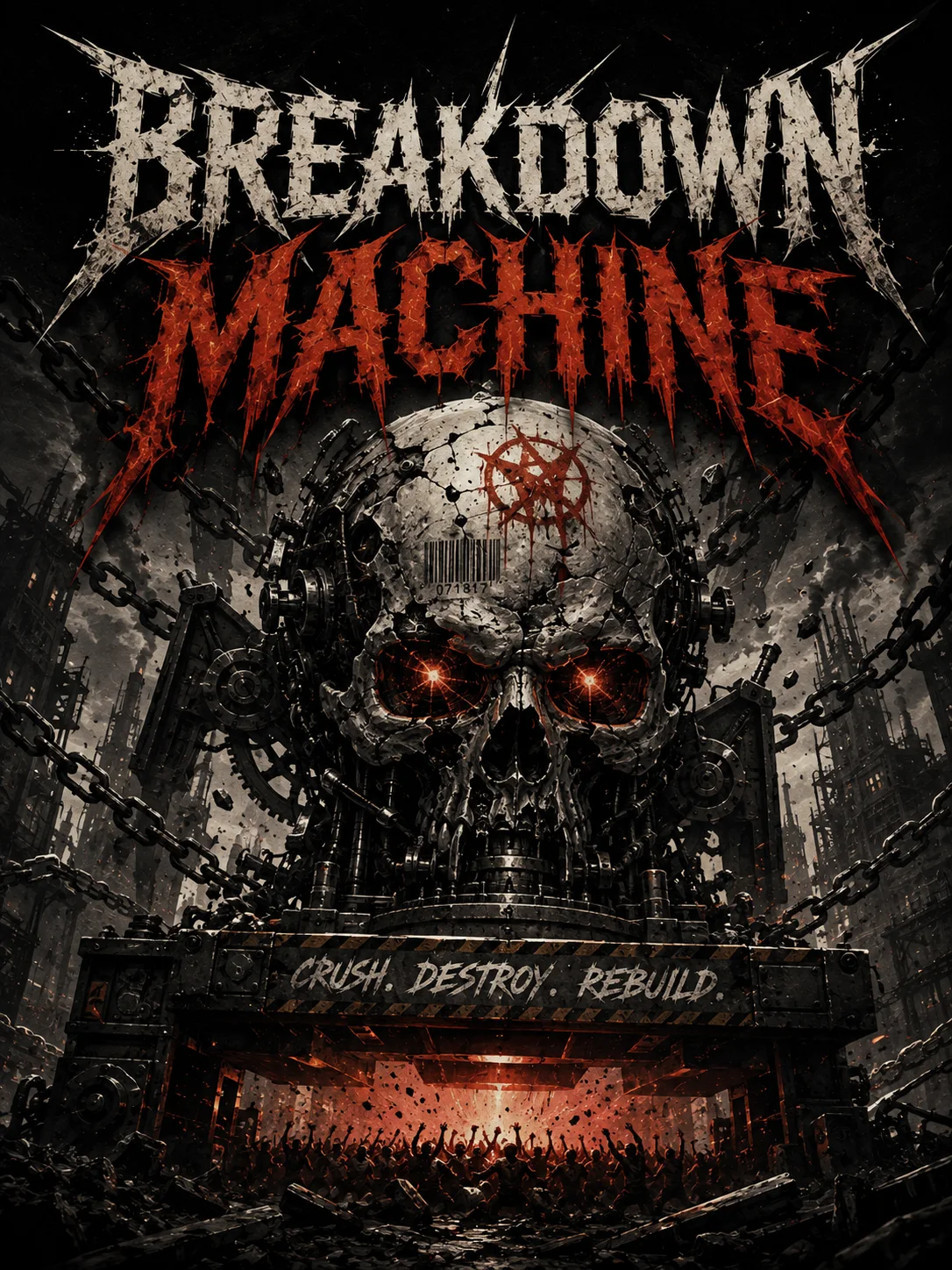
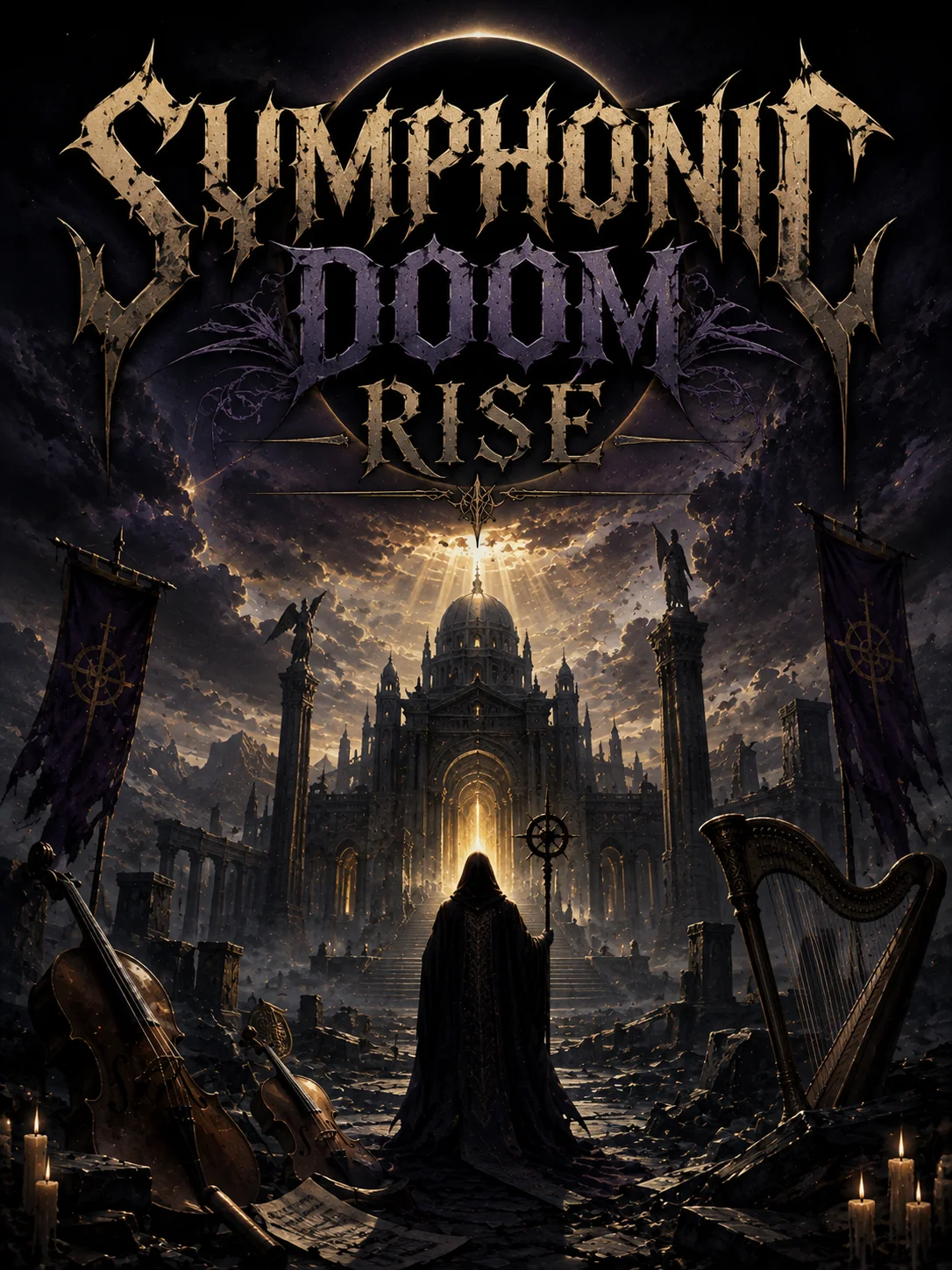
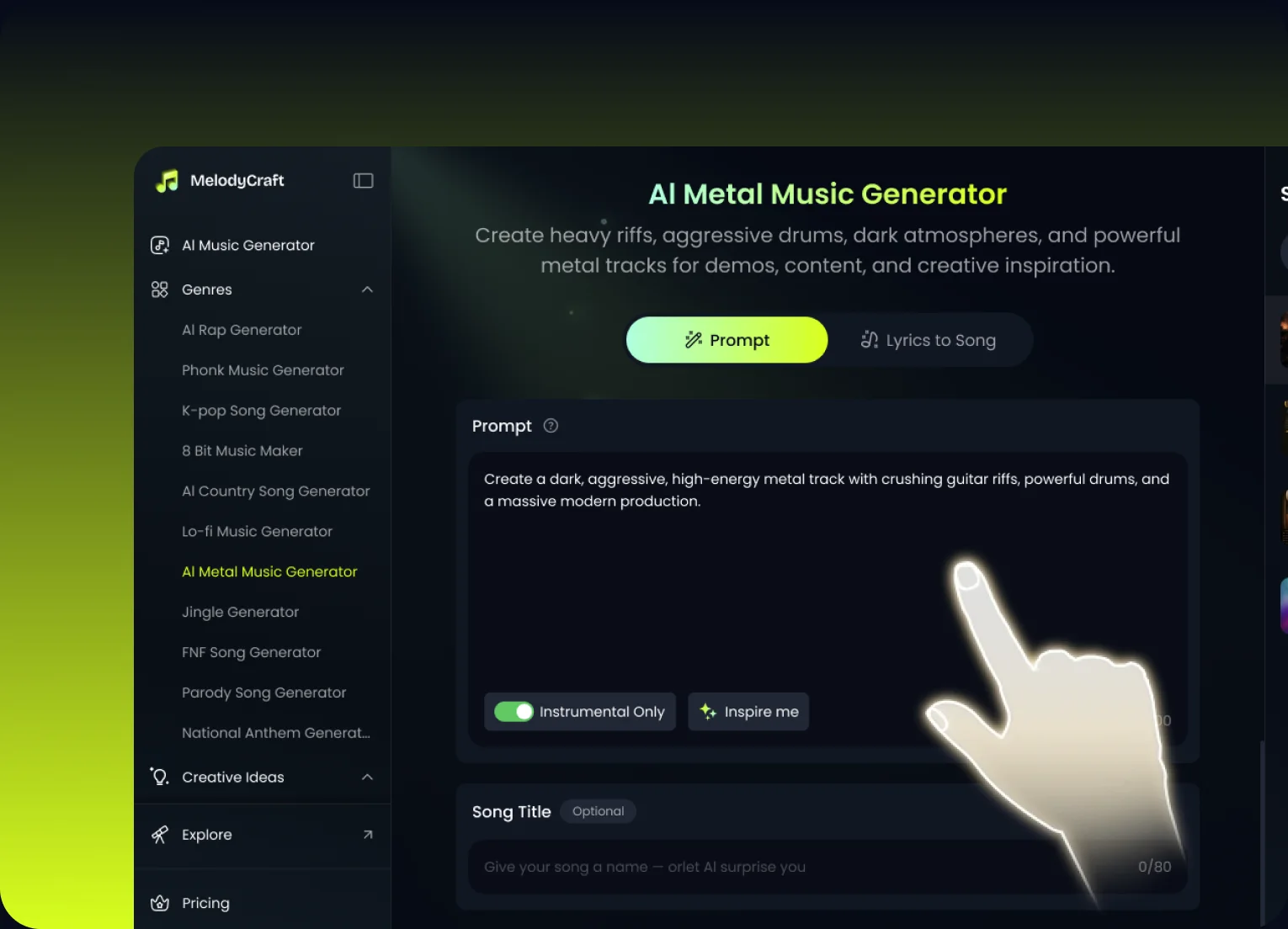
Enter a prompt, riff concept, or song direction, such as a brutal breakdown, a fast thrash attack, or a dark melodic chorus.
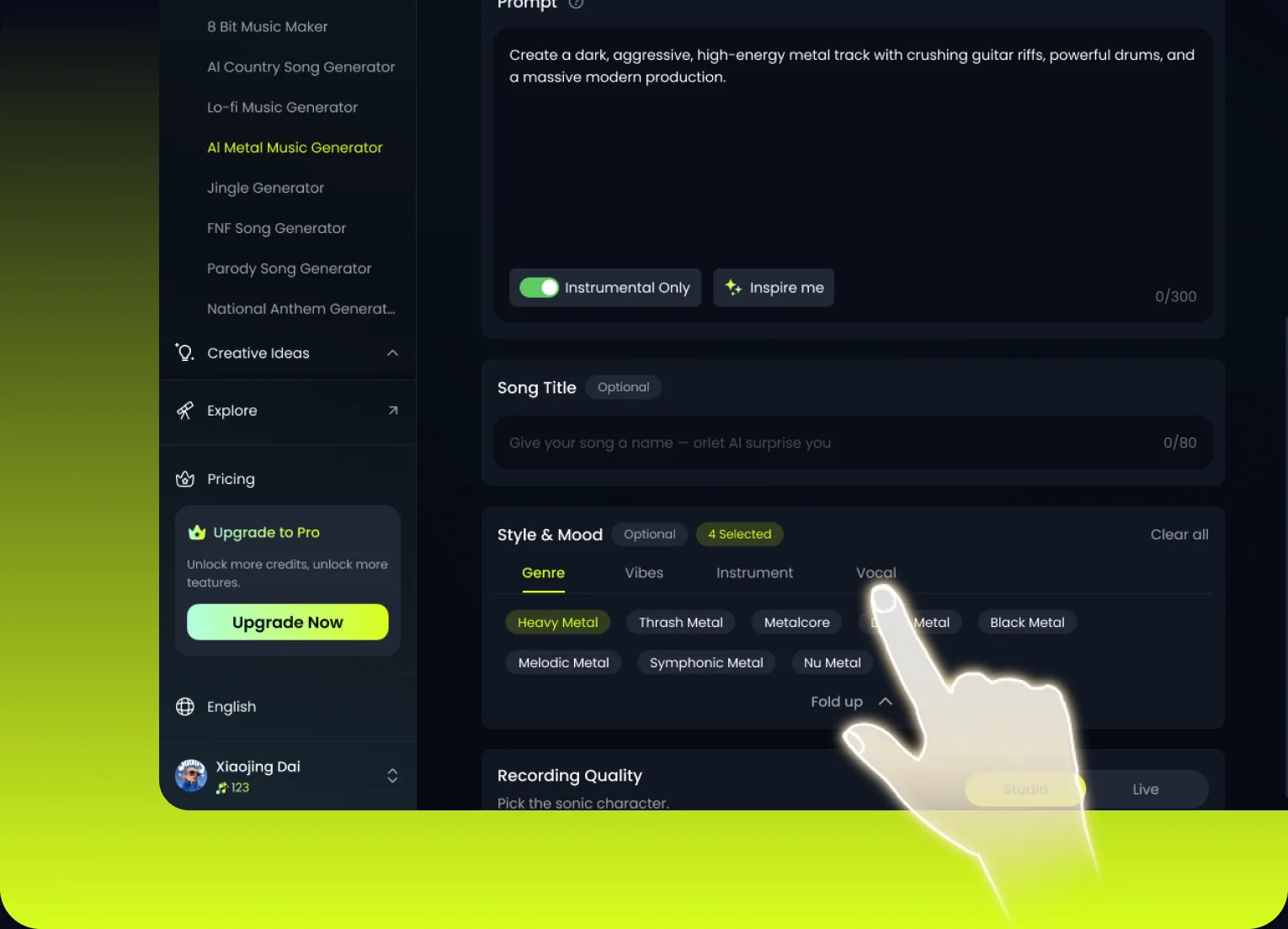
Choose the subgenre, vocal type, energy, and instrument feel to shape your track into the metal sound you want.
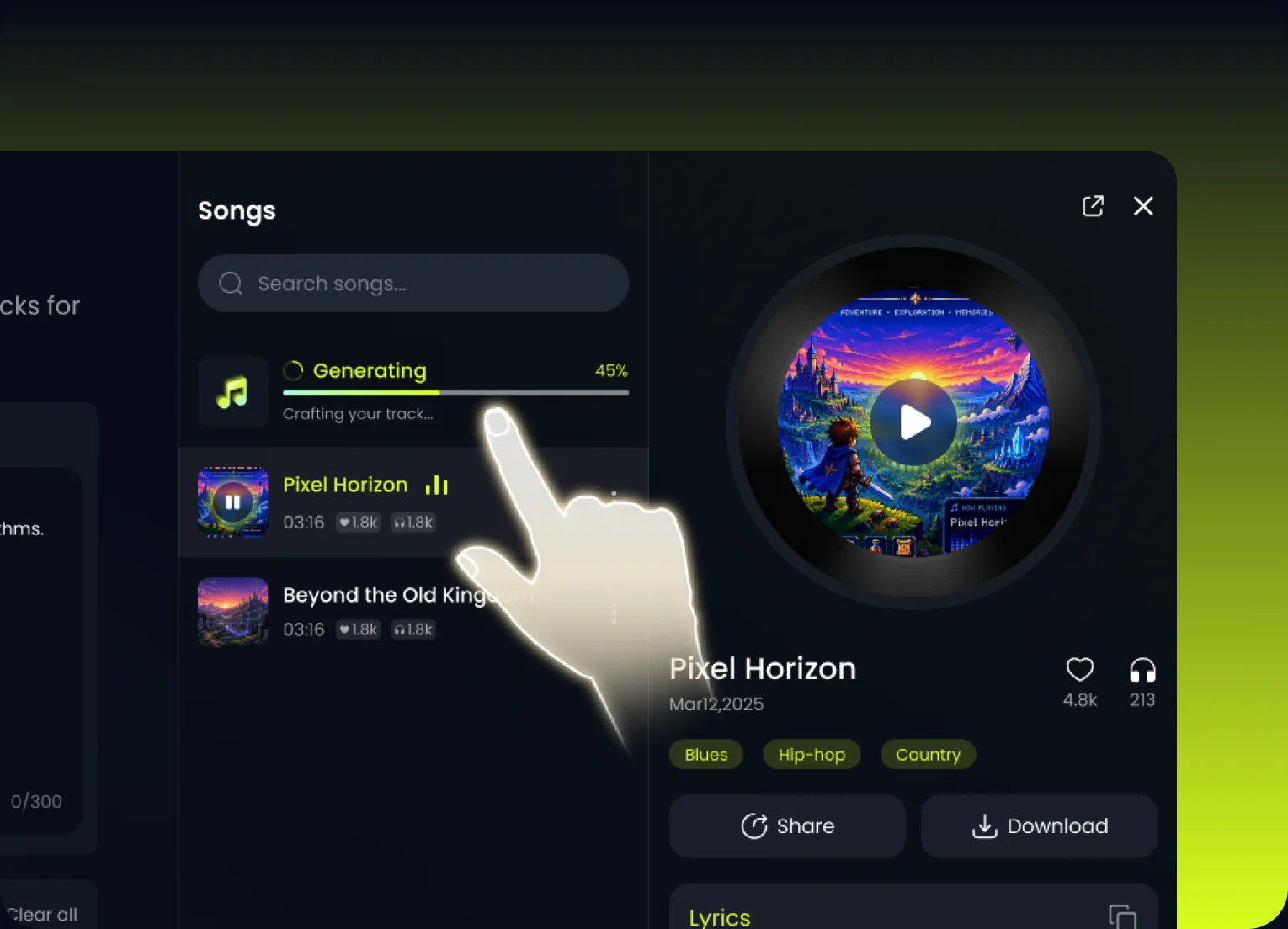
Create your metal track instantly, preview the result, and keep iterating until the weight and energy feel right.
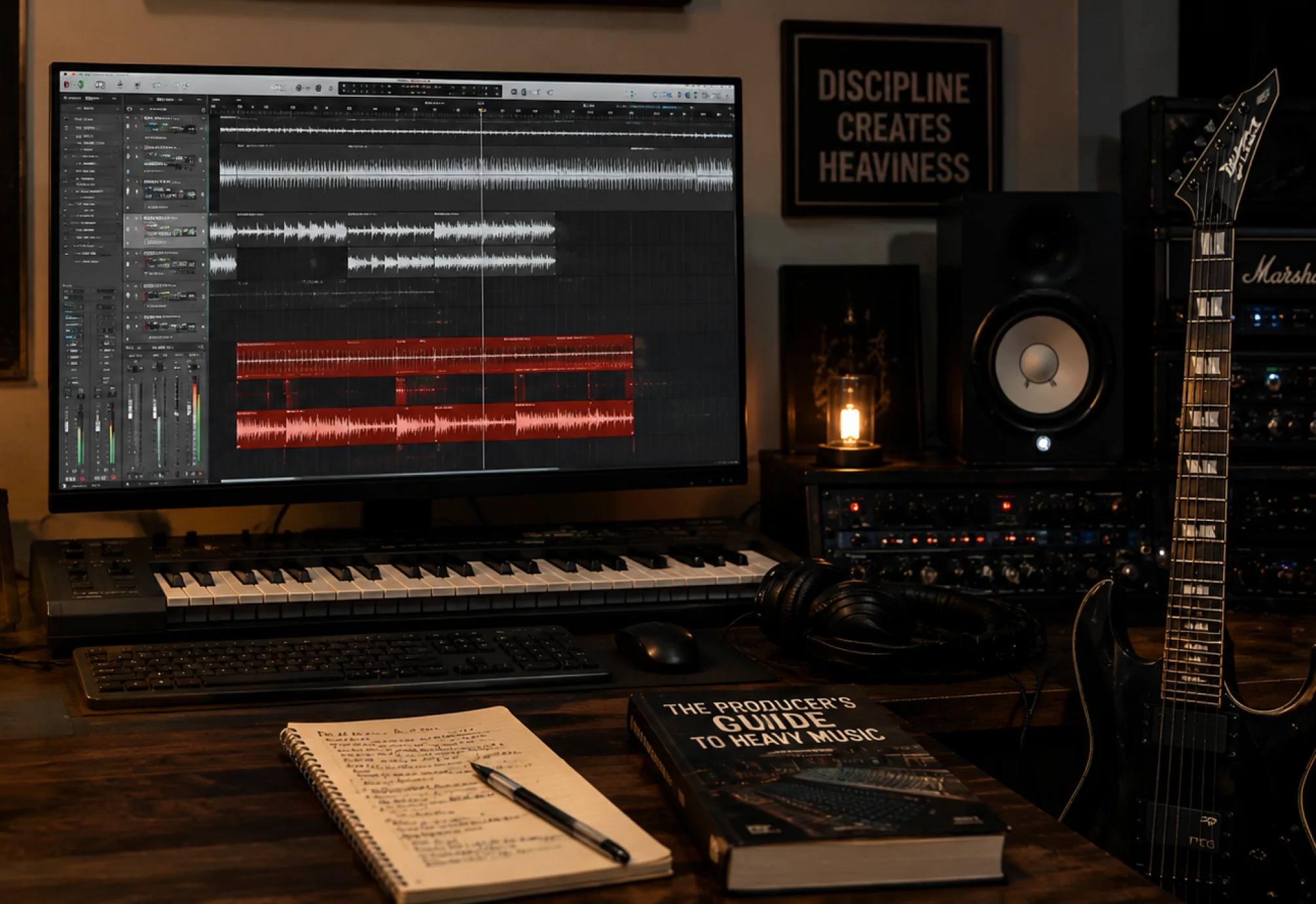
Generate metal tracks with aggressive riffs, powerful drums, and the kind of weight users expect from the genre.
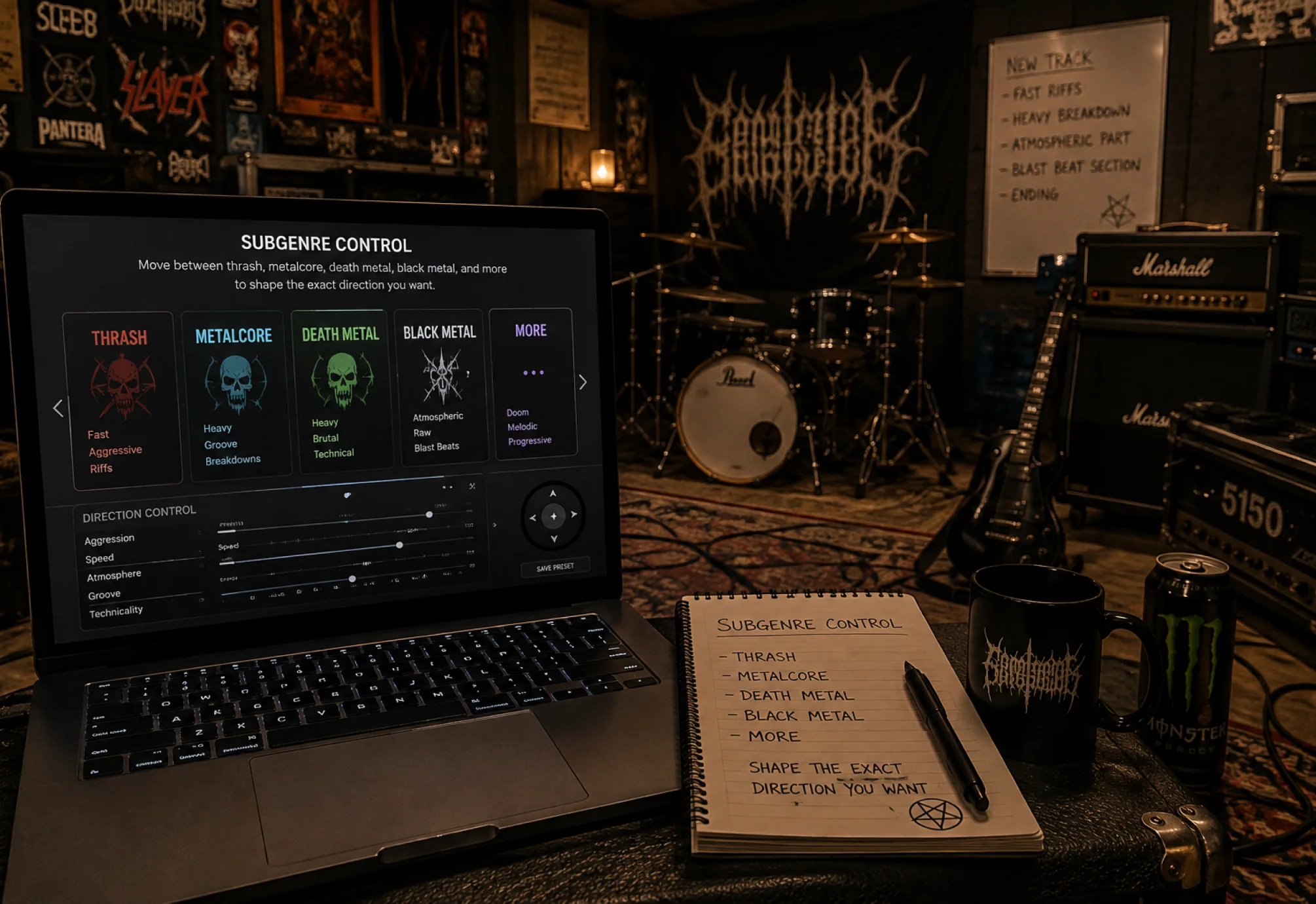
Move between thrash, metalcore, death metal, black metal, and more to shape the exact direction you want.
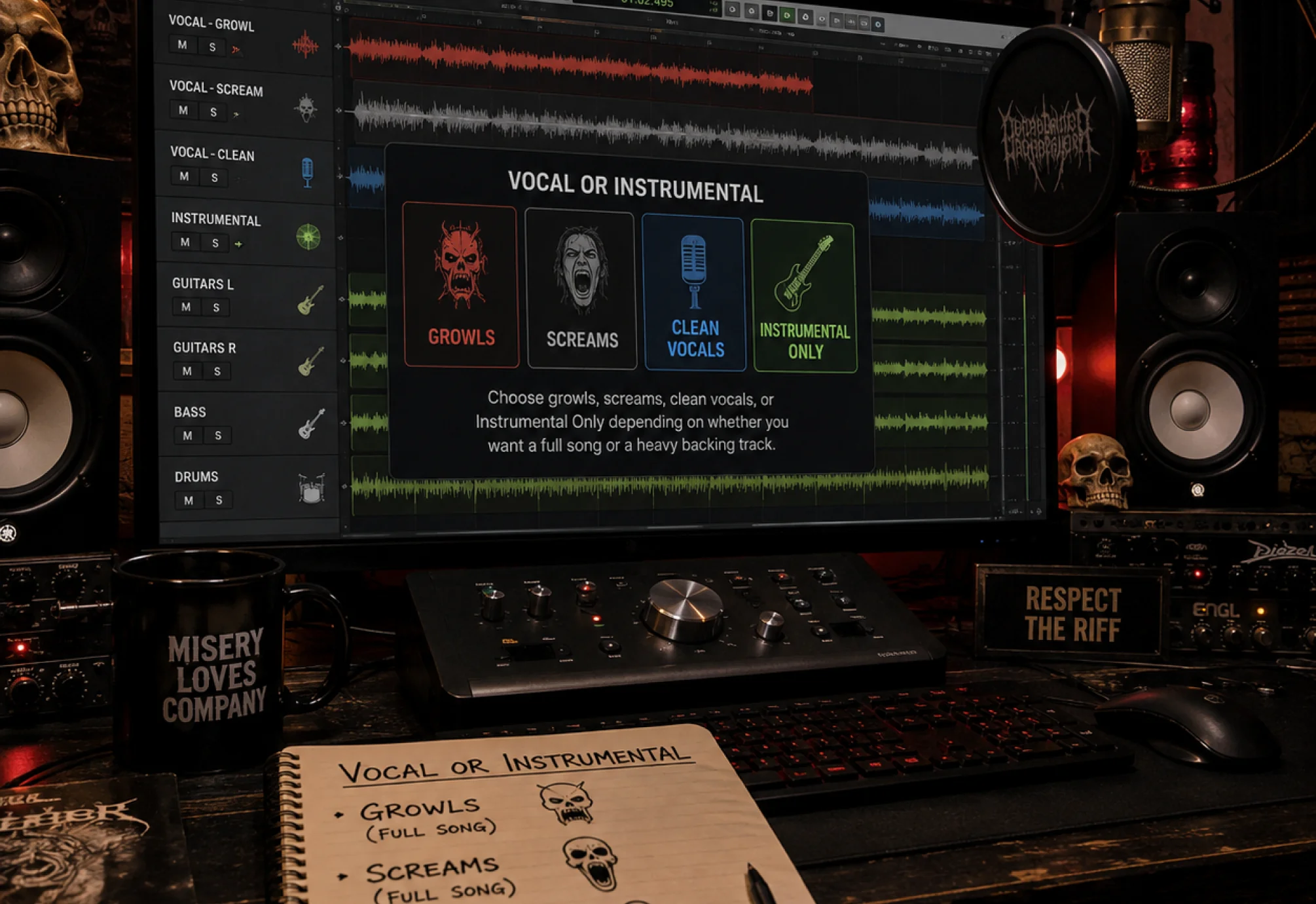
Choose growls, screams, clean vocals, or Instrumental Only depending on whether you want a full song or a heavy backing track.
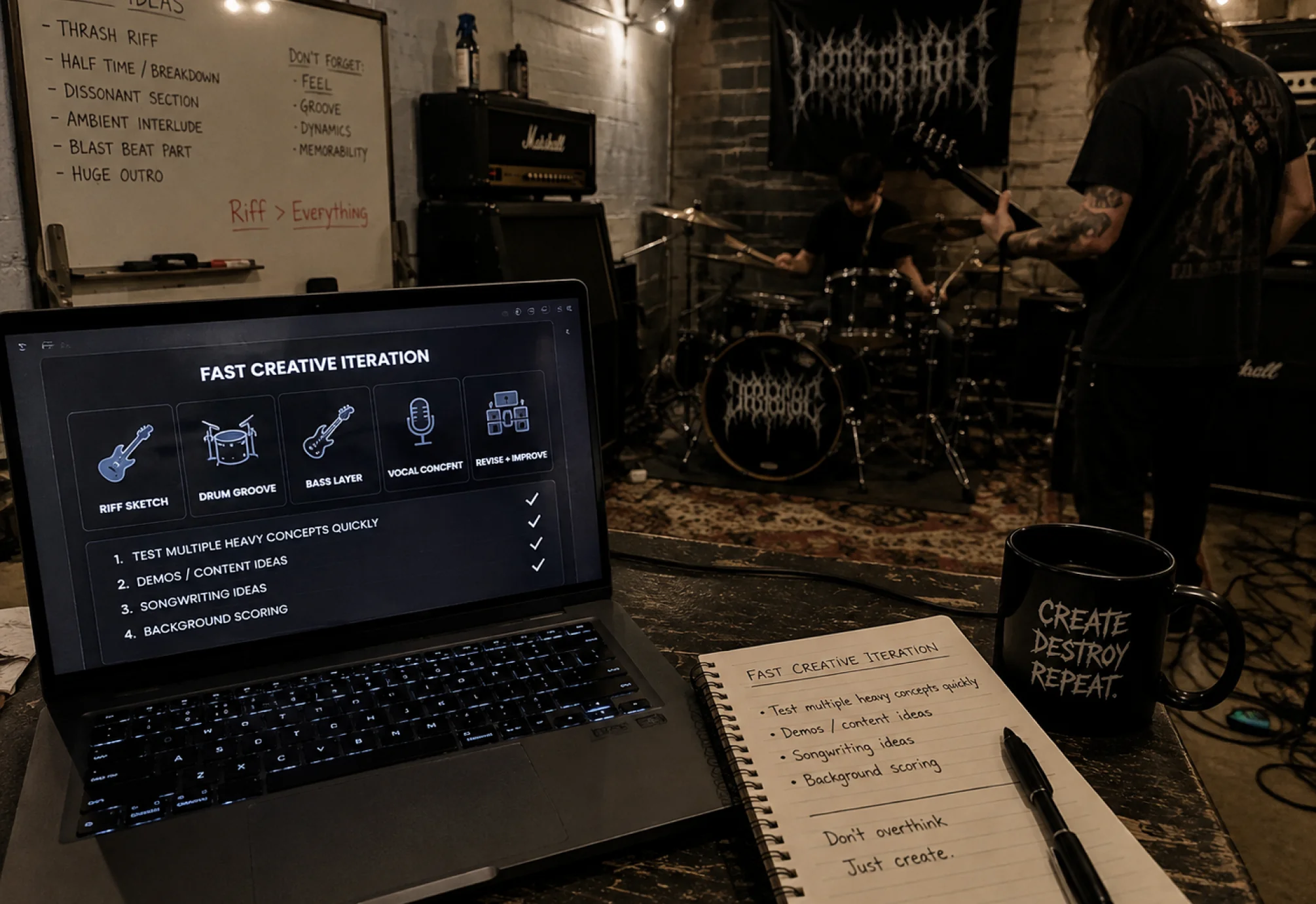
Test multiple heavy concepts quickly for demos, content, songwriting ideas, or background scoring.
From demo creators to heavy music fans, Melody helps different users bring metal ideas to life faster.
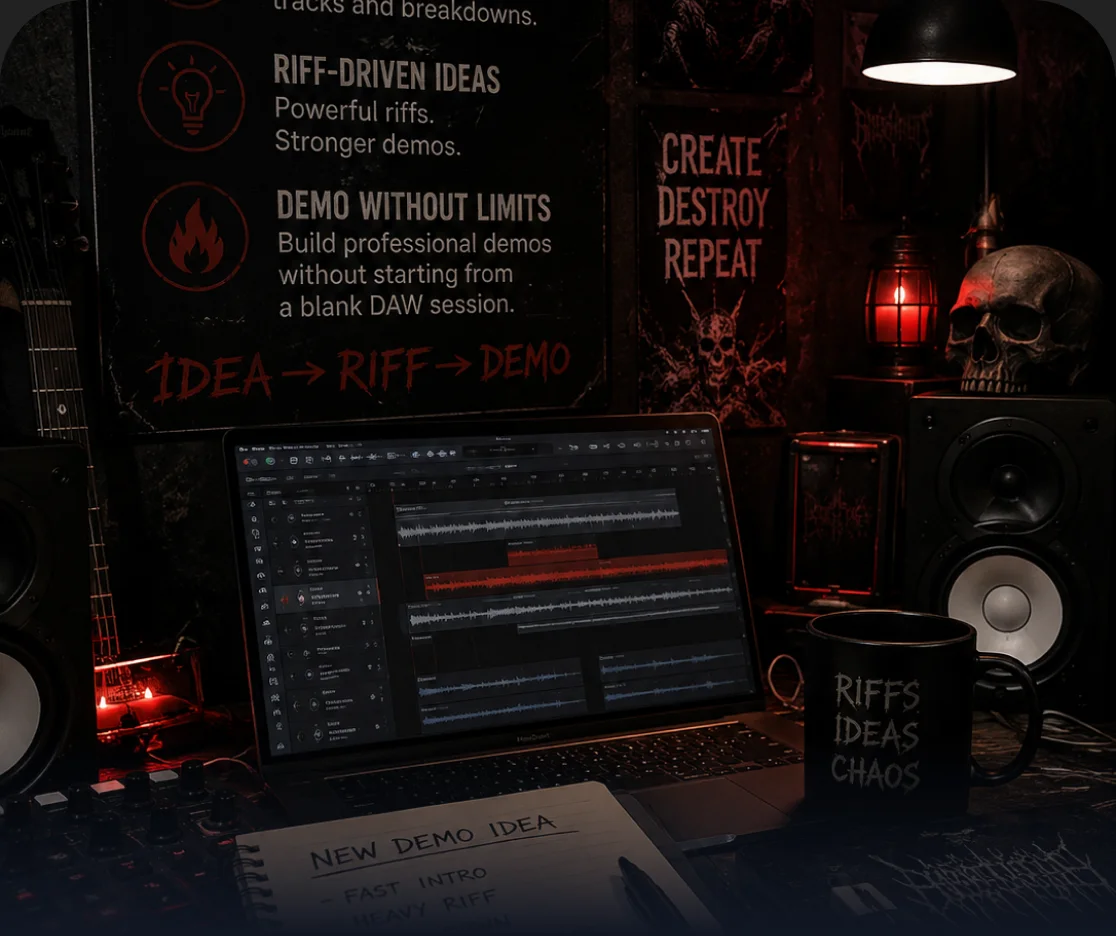
Build fast concept tracks, breakdown ideas, and riff-driven demos without starting from a blank DAW session.
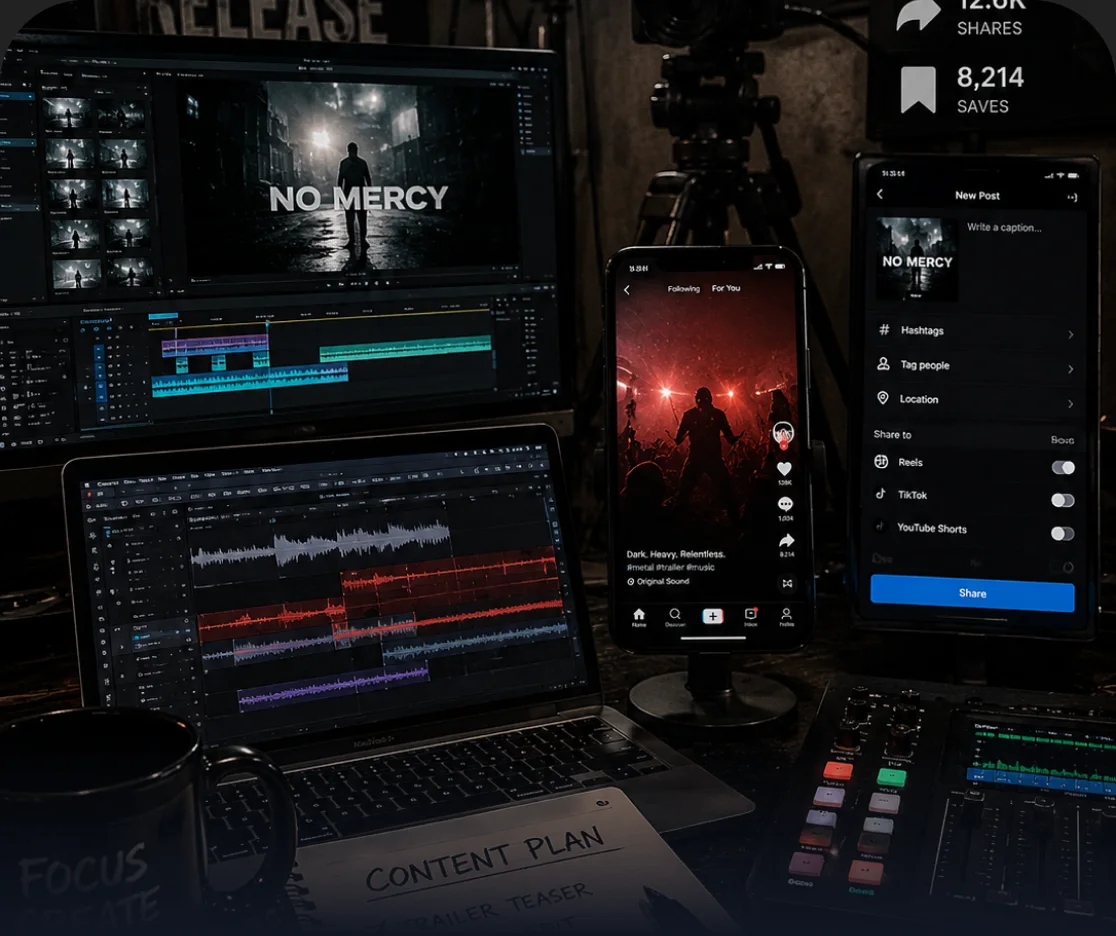
Generate dark, high-energy music for trailers, edits, streams, and short-form content.
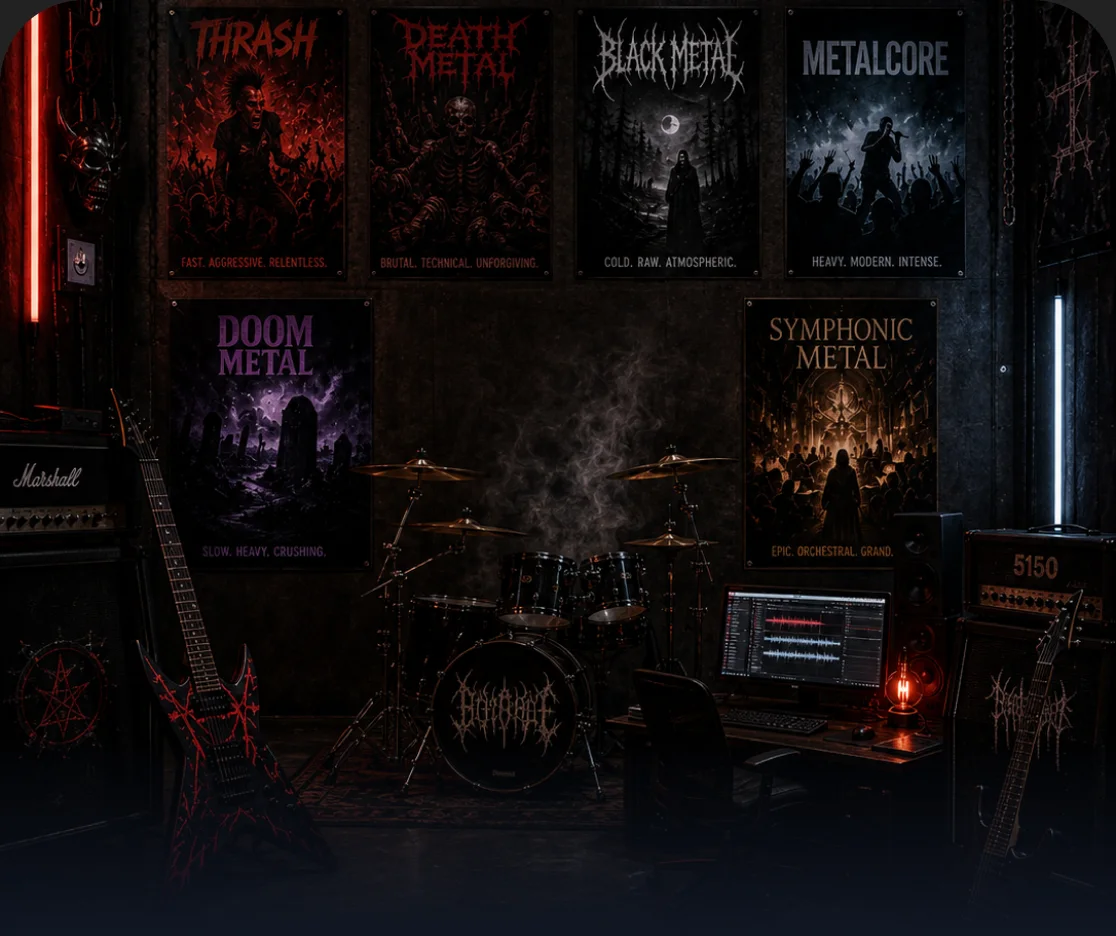
Explore different subgenres, vocal styles, and moods to turn heavy music ideas into complete tracks.
An AI metal music generator is a tool that helps you create heavy, aggressive, and style-driven metal tracks from a prompt, lyrics, or a simple idea. With Melody, you can generate riff-based instrumentals, breakdown-heavy songs, dark atmospheric metal, or full vocal-led metal tracks in just a few clicks.
You can create many different styles of metal music, including heavy metal, thrash metal, metalcore, melodic metal, black metal-inspired tracks, death metal-inspired songs, and heavy instrumental background music.
Yes. Melody supports Instrumental Only mode, so you can generate pure metal instrumentals with heavy riffs, drums, breakdowns, and dark atmosphere without adding vocals.
Yes. Depending on the page capabilities, you can guide the result toward growls, screams, clean powerful vocals, or mixed vocal styles to better match the kind of metal track you want.
No. You can simply describe the subgenre, mood, riff style, or vocal direction you want, and Melody will turn that idea into a metal track without requiring music theory or advanced production experience.
Usage depends on your plan and licensing terms, but Melody can help you create metal tracks for personal projects, videos, content creation, and other creative use cases.
Yes. You can use prompts and style tags to guide the output toward different metal directions such as metalcore, thrash metal, melodic metal, dark heavy metal, or other subgenre-inspired sounds.
Yes. With the Lyrics to Song mode, you can paste your own lyrics and turn them into a complete metal-style track with the mood, arrangement, and vocal energy you want.