
If you’re searching for how to turn text messages into a song, you’re in the right place: you’ll learn how to turn chat lines into singable lyrics, generate a full track with vocals + instrumentation, and package it into something you can actually post on TikTok. This guide covers the practical workflow (including chat screenshots), copy/paste prompt formulas, and tool options—so you can go from “lol remember this?” to a finished audio clip in minutes.
If you want to turn a text message into a song, the easiest way is to start with the right structure. A short chat can become a funny TikTok hook, a heartfelt lyric, or a full song with vocals as long as you clean up the text, choose the right mood, and give the AI a clear direction. In this guide, we'll walk through what the trend is, how the workflow works, and which tools can help you turn everyday messages into something people actually want to hear.

What counts as “turning text messages into a song” (lyrics only vs full track with vocals)
“Turn text messages into a song” can mean very different outputs depending on the tool. Some apps are basically a lyrics writer, others generate background music, and the best “text messages song generator” options create a complete track (music + vocals) you can share immediately.
Here’s the simplest way to think about it before you pick a workflow or a text to song tool:
If you want the exact “my messages are being sung back to me” effect, you’re looking for the third category: an AI text to song generator that supports vocals and a clear verse/chorus structure. For examples of different approaches, you can explore tools like Musid’s text-to-song flow or a dedicated “text song” style generator such as TextSong.

When you should use a text messages song generator (birthday, apology, inside jokes, recap)
A text messages song generator works best when your chat already has a “story arc”—even if it’s messy. Short texts can absolutely work, but you’ll usually need to add direction like style, emotion, and structure so the AI doesn’t produce random lines.
Here are realistic scenarios where “turn text messages into a song” hits hardest:
Birthday roast (light comedy): A friend’s group chat with recurring jokes (“always late,” “orders fries for the table”) becomes a punchy chorus you can loop in 20–30 seconds.
Apology (sincere): A couple’s texts where one person owns the mistake and asks to reset can become a slow pop ballad with a repeatable hook (“I’m showing up, not just saying sorry”).
Inside-joke anthem (hyper-specific): Two friends arguing about pineapple pizza, then reconciling—perfect for a goofy rap verse + chanty chorus.
Trip recap (nostalgia): A chat full of “we’re lost,” “found the view,” “next time we plan better” turns into lo-fi with spoken-ish vocals.
“We met online” origin story: First DMs, first call, first meet-up—cleaned into a romantic K-pop style structure.
Team/work chat parody (keep it anonymous): Deadline panic → celebration → “we survived” chorus (great for internal sharing, not public posting).
If you want more inspiration for turning words into music (beyond chats), guides like AudioCipher’s overview of text-to-music ideas can help you think in “story + vibe,” not just raw text.
Create TikTok-ready songs from chat screenshots (screenshot → text → song workflow)
To create TikTok-ready songs from chat screenshots, you usually can’t upload a screenshot and expect a tool to magically “read it and sing it.” The practical workflow is: screenshot → OCR (or retype) → clean the text → structure it → generate the track.
A simple, repeatable workflow looks like this:
Pick 8–20 lines from the screenshot that tell one clear mini-story (setup → punchline → reaction).
Convert screenshot to text using OCR (phone photo text scan, Google Lens, iOS Live Text) or manual typing for accuracy.
Redact private info (names, phone numbers, addresses) before you do anything else.
Clean and format the text into short lines, grouped by Verse / Chorus.
Generate the song with a text to song tool using a strong prompt (genre + BPM + vocal style + structure).
Export + edit for TikTok (hook-first, 15–30 seconds).
For a broader “how AI song creation flows end-to-end,” you can also skim Soundverse’s step-by-step overview of AI music creation concepts and workflow thinking: AI songs: a step-by-step guide.
How to clean up chat text so the song sounds natural (names, timestamps, emojis)
A TikTok text song sounds “AI-weird” when the input still looks like a chat log. Cleaning is the difference between awkward spoken timestamps and lyrics that actually sing.
Use this quick cleanup checklist:
Remove timestamps & system lines: “9:42 PM”, “Missed call”, “Read”.
Replace names with roles or nicknames: “Sarah” → “you”, “bestie”, “my person” (or a fictional name).
Convert emojis into stage directions: 😂 → (laughing), 💀 → (I can’t breathe), ❤️ → (softly).
Merge filler words: “lol ok yeah” → “okay, yeah.”
Keep the “hook line”: the funniest or most heartfelt sentence should stay intact and repeat in the chorus.
Break long messages into short lines: aim for 5–9 words per line for singability.
Before (raw chat):
10:18 PM — Alex: lol I’m outside
10:18 PM — You: NO YOU’RE NOT 😂
10:19 PM — Alex: okay fine I’m 5 mins away
10:19 PM — You: you said that 20 mins ago 💀
After (song-ready text):
You said you’re outside, I don’t believe it (laughing)
“Five minutes,” you promise—again, you repeat it
I’m watching the streetlights, counting every minute
You said it twenty minutes back… and you still mean it
If the lyrics feel clunky, shorten the input first. A clean 8–12 lines often sings better than dumping the whole conversation.
Turn a conversation into lyrics that rhyme (structure template you can copy)
To make a conversation rhyme, you don’t need perfect poetry—you need structure and a consistent point of view. Most chat logs are “you vs me” fragments; songs usually work better when you convert it into a narrated story.
Copy/paste this template and fill it with your cleaned chat lines:
Lyrics structure template (conversation → song)
[Verse 1] (setup: what happened, where, why it matters)
4 lines, short and concrete
[Pre-Chorus] (tension: what you want / what you fear)
2 lines, rising energy
[Chorus] (the one repeatable hook line)
4 lines, repeat line 1 or line 4
[Verse 2] (the “reply” / twist / escalation)
4 lines
[Bridge] (emotional reveal or comedic reversal)
2–4 lines
[Final Chorus] (same as chorus, add one new line at the end)
Two easy rhyme strategies (even if you’re not a writer):
“Near rhymes” (sounds close): late / wait / gate / change / stay
Anchor word + variations: “outside” → outside / headlights / streetlights / midnight
If you want a deeper look at how structure tags and sectioning help AI models behave, Suno’s guide on writing prompts and sections is a useful reference: how to make a song with structure tags.
Generate a track from text in seconds: the prompt formula that actually works
Most failures with an AI text to song generator happen because the prompt is missing constraints. If you want to generate a track from text in seconds, give the model fewer messy words and more musical direction.
Use this prompt formula (copy/paste and fill in brackets):
Prompt formula (reliable for text-to-song): Theme + POV + emotion + genre/era + BPM & groove + instrumentation + structure labels + hook line + don’ts
Example formula filled in: “Turn this conversation into a catchy 2000s pop-punk song. POV: first person (‘I’). Emotion: playful frustration. 168 BPM, driving drums, palm-muted guitars, simple bassline. Use [Verse] [Chorus] [Verse] [Chorus] [Bridge] [Final Chorus]. Hook line: ‘You said you’re outside—again.’ Don’t include timestamps, phone numbers, or real names.”
Don’t paste sensitive messages as-is. Rewrite or anonymize before generating—especially if you plan to post the result publicly.
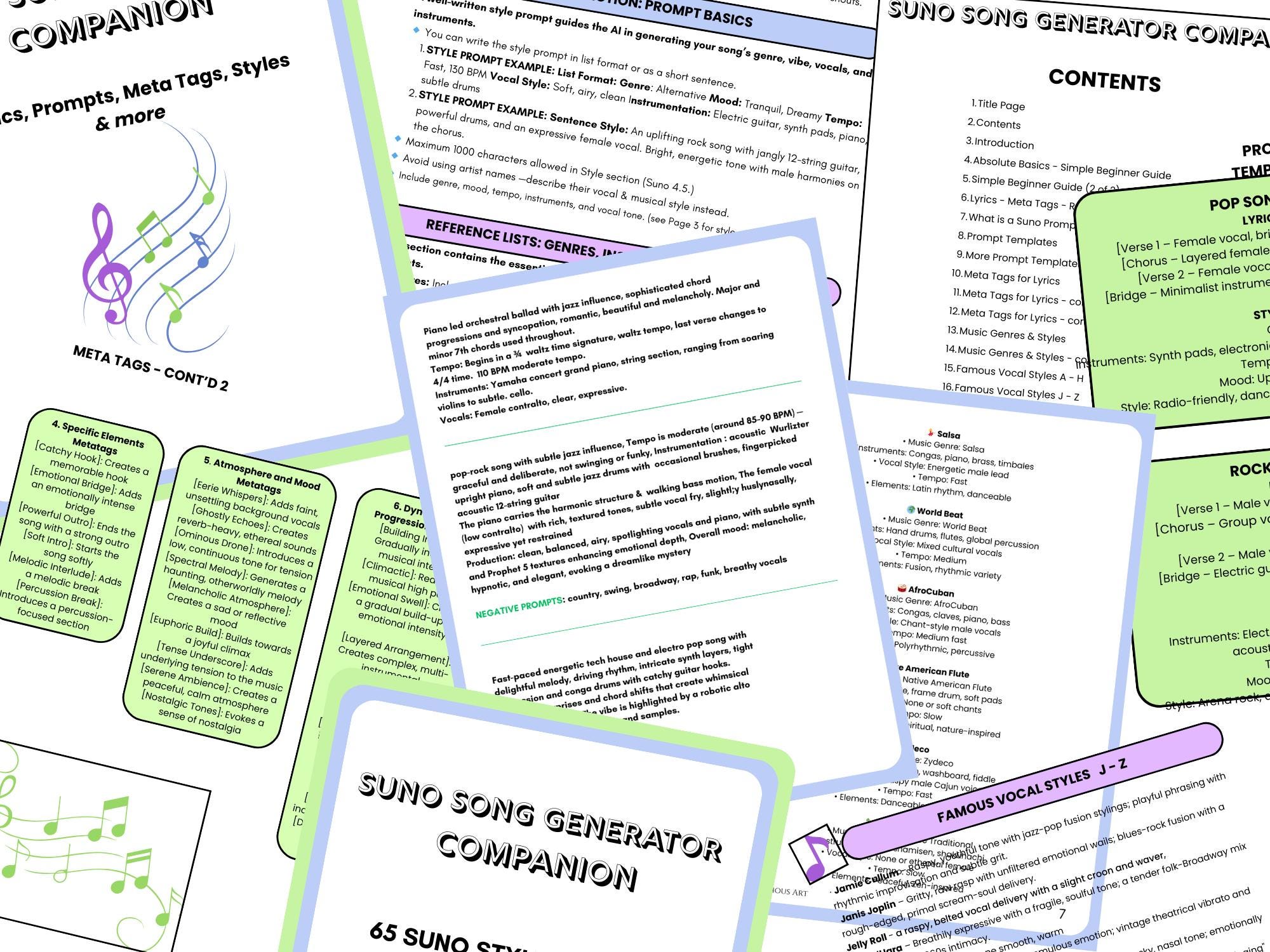
12 prompt examples for turning texts into songs (pop, rap, lo-fi, country, K-pop)
Below are 12 short prompts you can copy. Each one also tells you what kind of text messages it fits best.
For more tool landscape context (text-to-music vs full songs), this roundup is a helpful scan: Mubert’s text-to-music generator overview.
If the AI output is weird: how to fix off-beat lyrics, wrong mood, or no hook
When the result sounds “off,” it’s usually not the model—it’s the input being too literal, too long, or missing musical constraints. Iterate with one change at a time.
If you want a second perspective on formatting and constraints, comparing approaches like Musid’s text-to-song format can help you see what “structured input” looks like.
Try Melodycraft for text-to-song creation (fast walkthrough from messages → finished song)
If your goal is a shareable, vocal, finished song (not just lyrics), MelodyCraft is a straightforward way to go from text messages to a complete track you can export.
Here’s a fast 3–6 step walkthrough you can follow:
Paste your cleaned chat text (or a short summary + the best lines).
Choose a style + era (pop, rap, lo-fi, country, K-pop) and set the mood.
Pick a vocal type (male/female/neutral) and decide how “sung” vs “spoken” you want it.
Generate multiple versions (at least 3). Keep the best melody and the clearest chorus.
Refine: tweak the hook line, shorten verse lines, and request a tighter structure.
Export the version you’ll use for TikTok (MP3/WAV depending on your workflow).
Suggested screenshot placements for editors/designers:
(Screenshot 1: text input area + style selector)
(Screenshot 2: version list + “Regenerate” button)
(Screenshot 3: export/download modal)

Best settings for “text messages” songs (voice, tempo, length, explicit filter)
For “text messages” songs, you’re usually optimizing for clarity + hook speed, not a 3:30 radio arrangement. These defaults work well:
Length: generate two cuts
60–90s: best for sharing the whole joke/story
~2:00: best if you want Verse 2 + Bridge payoff
TikTok hook cut: aim for 20–45s (chorus + one punchy verse line)
Tempo:
Pop / K-pop: 115–135 BPM
Rap: 85–100 BPM
Lo-fi / ballad: 70–90 BPM
Vocal choice:
Neutral/clean vocal for maximum lyric intelligibility
If your chat is comedic, try slightly spoken delivery so punchlines land
Explicit filter: keep it on by default if posting publicly; turn it off only for private sharing where appropriate.
Suno text messages song: how to turn a conversation into a chorus (and keep it singable)
If you specifically searched “Suno text messages song,” the biggest unlock is learning how to feed Suno a chorus-first summary instead of a raw transcript. Suno tends to perform better when you provide structure tags and a clear hook line.
Two rules that keep it singable:
Extract one “quote” from the conversation that people would repeat (that’s your hook).
Convert the chat into narrative (what happened) rather than literal back-and-forth (who typed what).
Suno’s own guidance on structure and prompts is worth reading alongside your experiments: Suno’s song prompting guide.
Prompt template for Suno (copy/paste)
Use this general template (then tweak the style details):
Universal template: “Turn this conversation into a complete song with vocals. Genre: [GENRE]. Tempo: [BPM]. Instrumentation: [INSTRUMENTS]. POV: first person. Use [Verse] [Chorus] [Verse] [Chorus] [Bridge] [Final Chorus]. Hook line (repeat): ‘[HOOK FROM CHAT]’. Don’t include timestamps, usernames, or private details. Conversation summary: [1–2 sentences]. Lyrics source lines: [paste 6–12 cleaned lines].”
Funny variant: “Comedy rap/pop. Make the chorus chanty and repeat the hook twice. Add one ‘(laughing)’ ad-lib. Keep it clean and punchline-forward.”
Emotional variant: “Soft pop/R&B. Keep lines short and sincere. Build tension in pre-chorus, then a memorable chorus hook from the chat.”
If you want to compare how different generators interpret similar prompts, testing the same template across tools is the fastest way to learn. (Just remember to anonymize first.)
What to post on TikTok: turning the song into a “TikTok text song” video concept
A TikTok text song isn’t only the audio—it’s the visual framing that makes viewers understand the joke (or the story) within the first second. The winning pattern is: show the text context quickly, then let the chorus hit.
Here are five video script templates you can reuse:
Show the text context quickly, then let the chorus hit.
First 2–3 seconds: bubbles appear rapidly
Then: chorus plays with big on-screen hook line
Screenshot karaoke highlight
Show the (redacted) screenshot
Highlight each line as it gets sung
Lip-sync reaction
You act as “you” and “them” in quick cuts
Chorus is you reacting to the hook line
Plot twist ending
Verse plays over “serious” text
Bridge reveals the punchline; final chorus repeats it
Comment-to-song series
Pin a comment: “Make this into a song”
Show 1–2 lines, then chorus preview
Invite the next comment request
For general AI music workflow ideas you can adapt to short-form video, it helps to study how different tools handle generation, iteration, and export.
Hook-first editing: how to cut a 2-minute song into a 15–30s TikTok clip
Editing is where most “good songs” become good TikToks. Don’t start at the intro—start at the line people will quote.
A practical hook-first method:
Find the chorus (or the single funniest/most emotional line).
Start with a micro-pause: add ~0.5 seconds of silence or room tone so the first lyric hits harder.
Cut to the payoff: use 1 chorus + 1 setup line before it (optional).
Subtitle density: fewer words per screen; make the hook line the biggest text.
End with a loopable beat: trim so the last beat rolls into the first.
TikTok clip checklist (15–30s):
[ ] Hook line appears in the first 1–2 seconds (as text or audio)
[ ] Captions are readable on mobile (no long paragraphs)
[ ] One clear “story”: setup → hook → reaction
[ ] No private details visible in screenshot/video layers
[ ] Audio peaks are clean (no distorted chorus)
Is it legal to turn someone’s text messages into a song? (privacy, consent, copyright)
If you’re learning how to turn text messages into a song for posting, the biggest risk usually isn’t “copyright”—it’s privacy and consent. Texts can contain personal data, and even anonymized details can identify someone in a small community.
At a practical level, here are safer posting habits:
Get consent from everyone involved if you’re publishing the content (especially if it’s an argument, romance, or sensitive topic).
Anonymize hard: remove names, usernames, locations, workplaces, and unique identifiers.
Rewrite specifics: keep the story and hook, change the details (“the blue café” → “our usual spot”).
Avoid sharing raw screenshots unless they are fully redacted and you have permission.
Be careful with voices: don’t imply it’s the real person singing if it isn’t.
Don’t include real names, addresses, phone numbers, or medical/financial details in lyrics—ever. Even “as a joke.”
When you evaluate AI music generators, remember to check sharing rules, usage rights, and how the tool handles public posting.
Best AI text-to-song generators in 2026 (quick comparison for text-messages songs)
Not every “text to song” tool is built for the same goal. Some are best at full tracks with vocals (ideal for turning text messages into a song), while others are stronger for background music.
Below is a quick, practical comparison for text-messages use cases (feature descriptions only—always check each tool’s current licensing terms before commercial use):
If you’re researching broader AI music options, a side-by-side review of another generator can help you spot the tradeoffs faster. For a MelodyCraft-adjacent comparison read, see this internal guide: Soundful review: AI music generator.
Which tool is best for “text messages song generator” vs “text to music background”
Use these simple if/then rules to choose faster:
If you want it “sung out loud” (the chat becomes vocals), then choose a text messages song generator that outputs a full vocal track (verse/chorus) rather than only instrumentals.
If you only need vibe under a video (no lyrics), then choose text-to-music background tools optimized for BGM generation and looping.
If you want more control over phrasing and structure, then pick a workflow that supports section tags ([Verse]/[Chorus]) and easy re-generation of multiple versions—so you can lock the hook and iterate.
FAQ people also ask about turning text messages into a song
Q: How many text messages do I need to turn text messages into a song?
A: Usually 8–20 cleaned lines is plenty. If you paste too much, the AI may lose the hook and produce less singable phrasing.
Q: Can I include emojis in a text to song prompt?
A: Yes, but it works better to translate them into words or stage directions (e.g., “😂” → “(laughing)”). Emojis as-is can confuse rhythm and pronunciation.
Q: How do I make it funny vs. heartfelt using the same conversation?
A: For funny, ask for upbeat tempo and punchline-forward chorus repetition. For heartfelt, slow the BPM, use fewer lines, and request simple, sincere wording with a clear emotional arc.
Q: Why does the AI keep repeating the same melody or lines?
A: Repetition happens when the prompt lacks structure or the input has one dominant phrase. Add section labels, limit the source text, and specify “new melody in Verse 2” while keeping only the hook repeated in the chorus.
Q: Can I export MP3 or WAV?
A: Many AI text to song generator tools offer MP3, and some support WAV depending on the plan. If you need higher quality for editing, look for WAV export and stems (if available).
Q: Can I turn chat screenshots directly into a TikTok text song?
A: Not directly in most cases—you’ll convert screenshots to text via OCR, clean the text, then generate the song. The screenshot itself is mainly for the video concept, not the music generation.
Q: Is it okay to post a song made from someone else’s messages?
A: Get consent whenever possible, and always anonymize. Even if it feels harmless, texts can contain identifying details that shouldn’t be public.

Make Ready-to-Publish Music in Minutes 🎵
Go from idea to finished track quickly. No technical skills required.