MelodyCraft AppFree AI Music Generatorand AI Cover App
Create full songs in seconds
Turn any idea into music
Make AI covers and music videos
Explore 180+ genres and 12 voice styles
Start free on iPhone and Android
4.7
200K+ creators worldwide
Use the same MelodyCraft account across web and mobile. Your membership and creations stay in sync.
100K+App downloads
4.7Average rating
200K+Creators onboard
25+Languages supported
Turn your lyrics into full songs
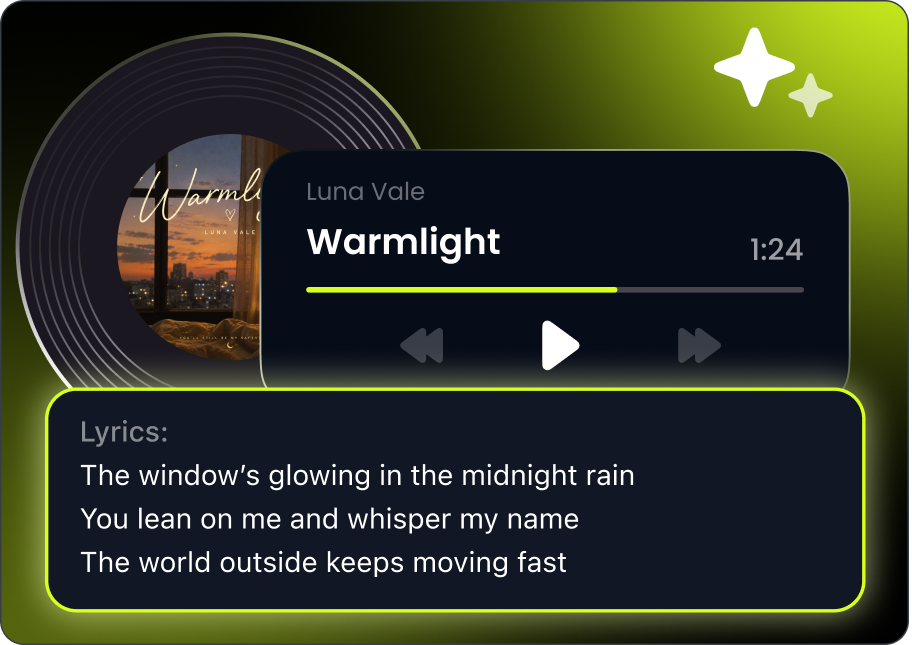
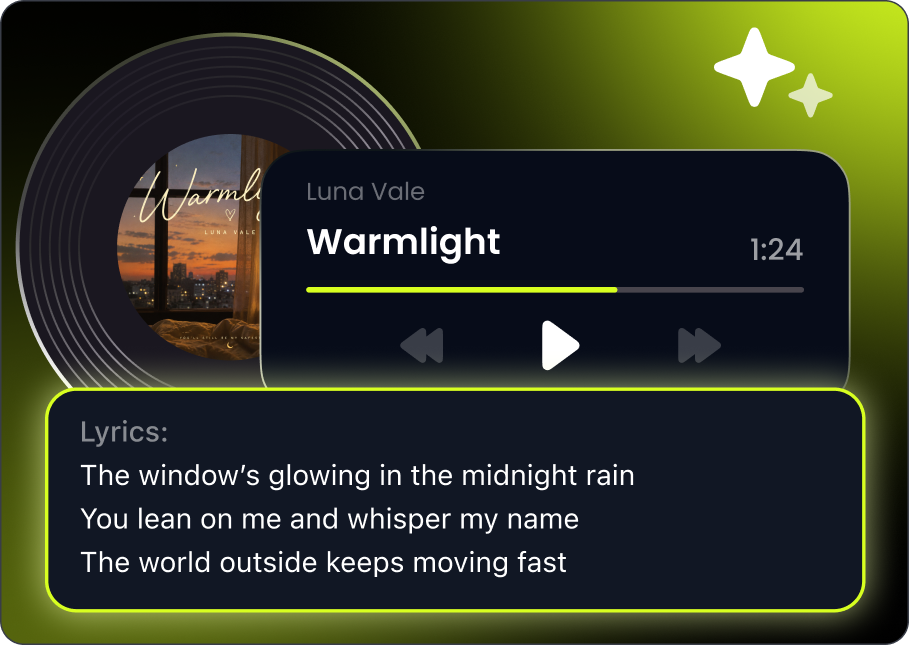
Paste your lyrics, pick a vibe, and let MelodyCraft turn your words into a finished track in seconds. No instruments, no DAW, and no production experience required.
Transform written lyrics into complete songs with vocals and production
Experiment with different genres, moods, and styles
Create faster without starting from scratch
Built for people who want results, not complicated music software
Create songs from a simple description
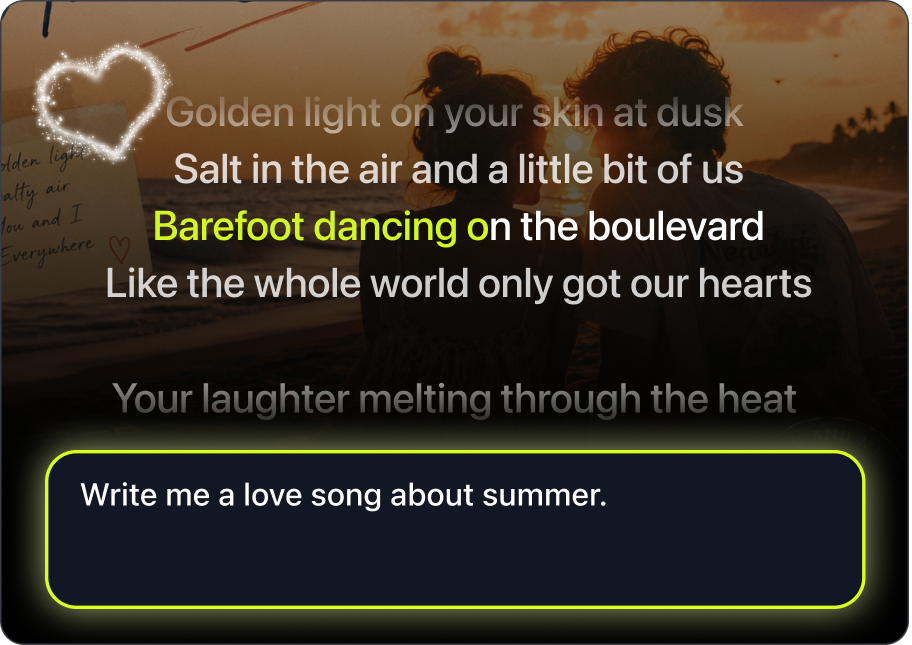
Describe a mood, idea, story, or scene, and MelodyCraft will generate a complete song from your input. One of the fastest ways to turn inspiration into something you can actually play and share.
Start with a vibe, concept, or short prompt
Generate songs without writing full lyrics first
Great for beginners, casual creators, and music lovers
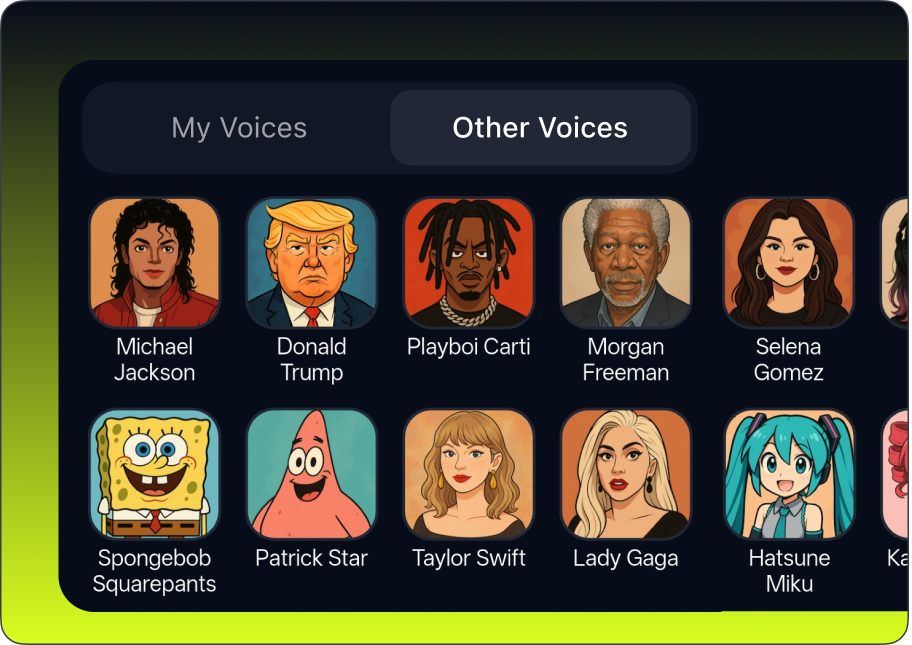
Record a short sample, start with preset voices, and go further with custom voice training to shape every cover the way you want it to sound.
Twelve preset voice styles help users start quickly without extra setup
Custom voice training gives repeat creators a more flexible path to shape how their songs sound
A stronger mobile workflow for users looking for an AI cover app with more creative control
Bring your songs to life with AI MV
Go beyond audio and turn songs into short music videos designed for modern sharing. AI MV helps you create more expressive content from the songs you already make in MelodyCraft.
Create short music video content from your songs
Extend your creation beyond audio-only output
Make songs more shareable for mobile and social platforms
Built for creators who want more than a static track
More music pages are on the way, giving you even more creative ways to explore MelodyCraft on the web.
What MelodyCraft Users are Saying
MelodyCraft helps them hear what it could become.
5.0
I usually write lyrics in my notes app, but MelodyCraft helps me turn them into actual songs fast. The app makes the process feel simple enough that I can create whenever an idea comes up.
Maya R.Casual songwriter
5.0
The best part for me is starting from a short idea instead of a full song concept. I can describe a mood or scene, test a few genres, and quickly hear something that feels close to what I imagined.
Jordan LeeMusic hobbyist
4.8
AI MV makes the songs feel much easier to share. I like being able to create a track, add a visual layer, and turn it into something that works better for short-form content.
Sofia M.Content creator
5.0
I do not know how to produce music, so the mobile flow helps a lot. I can pick a style, generate a song, and manage my creations without feeling like I need music software experience.
Ethan K.Beginner creator
4.9
The voice options are what kept me using the app. Preset voices are easy to start with, and custom voice training gives me more room to experiment when I want something more personal.
Lena TorresAI cover user
5.0
I use the web when I want to try a quick idea, but the app is where I keep creating. Having my songs, account, and membership connected across both makes the whole experience easier.
Chris W.Everyday music fan
4.9
I can start with one sentence and get something that feels finished enough to share. That speed makes it easier to keep trying different styles.
Nora ChenMobile creator
5.0
MelodyCraft feels approachable. I do not need to understand production tools before I can make a song that sounds polished.
Andre MilesNew music maker
5.0
I usually write lyrics in my notes app, but MelodyCraft helps me turn them into actual songs fast. The app makes the process feel simple enough that I can create whenever an idea comes up.
Maya R.Casual songwriter
5.0
The best part for me is starting from a short idea instead of a full song concept. I can describe a mood or scene, test a few genres, and quickly hear something that feels close to what I imagined.
Jordan LeeMusic hobbyist
4.8
AI MV makes the songs feel much easier to share. I like being able to create a track, add a visual layer, and turn it into something that works better for short-form content.
Sofia M.Content creator
5.0
I do not know how to produce music, so the mobile flow helps a lot. I can pick a style, generate a song, and manage my creations without feeling like I need music software experience.
Ethan K.Beginner creator
4.9
The voice options are what kept me using the app. Preset voices are easy to start with, and custom voice training gives me more room to experiment when I want something more personal.
Lena TorresAI cover user
5.0
I use the web when I want to try a quick idea, but the app is where I keep creating. Having my songs, account, and membership connected across both makes the whole experience easier.
Chris W.Everyday music fan
4.9
I can start with one sentence and get something that feels finished enough to share. That speed makes it easier to keep trying different styles.
Nora ChenMobile creator
5.0
MelodyCraft feels approachable. I do not need to understand production tools before I can make a song that sounds polished.
Andre MilesNew music maker
Frequently Asked Questions
You can turn lyrics, prompts, or simple song ideas into complete tracks. The app also supports AI covers, AI music videos, genre exploration, and song management.
Yes. You can paste your lyrics, choose a style or mood, and let MelodyCraft generate a complete song with vocals and production.
Yes. If you do not have lyrics yet, you can describe a mood, story, scene, or concept, and MelodyCraft will help turn it into a song.
Yes. MelodyCraft supports AI Cover features, including preset voice styles and custom voice training options in the app.
AI MV helps you turn your songs into music video-style content, so your creations can go beyond audio and become more visual and shareable.
MelodyCraft is free to try. You can create with free daily access and earn more credits through in-app activities. Paid plans and add-on options are available for users who want to create more often.
Yes. You can use the same MelodyCraft account across web and mobile.
Yes. Your membership and creations are shared across web and mobile, so you can continue your music creation flow across devices.
The mobile app offers a deeper creation flow, more voice options, AI MV, daily tasks, extra free credit opportunities, and a more complete music management experience.
The web version is great for quick access, simple song generation, and creative entry points like Text Messages into Song, Music Personality Test, and more idea-driven music pages.
MelodyCraft supports commercial use, but you are responsible for making sure your use follows applicable rights requirements, platform rules, and MelodyCraft’s terms.
Yes. Some prompts or lyrics may be restricted, including explicit, sexual, political, or otherwise prohibited content.
Yes. MelodyCraft is available on both iPhone and Android.
You can contact the MelodyCraft support team at support@melodycraft.app.
Start creating your own songs today.
Free to download. Free to start. From a single line of lyrics to a finished track in under a minute.
Available on web and mobile · Free to try · iOS 15+ · Android 9+





 Start Making Songs Free